Flyer maker
Start from a flyer template, add your headline, details, and pictures, and download a print-ready PDF. The editor runs in your browser.
Start from a flyer template
The free templates come first. Each card shows its size and, for a paid plan, the plan it needs.
-
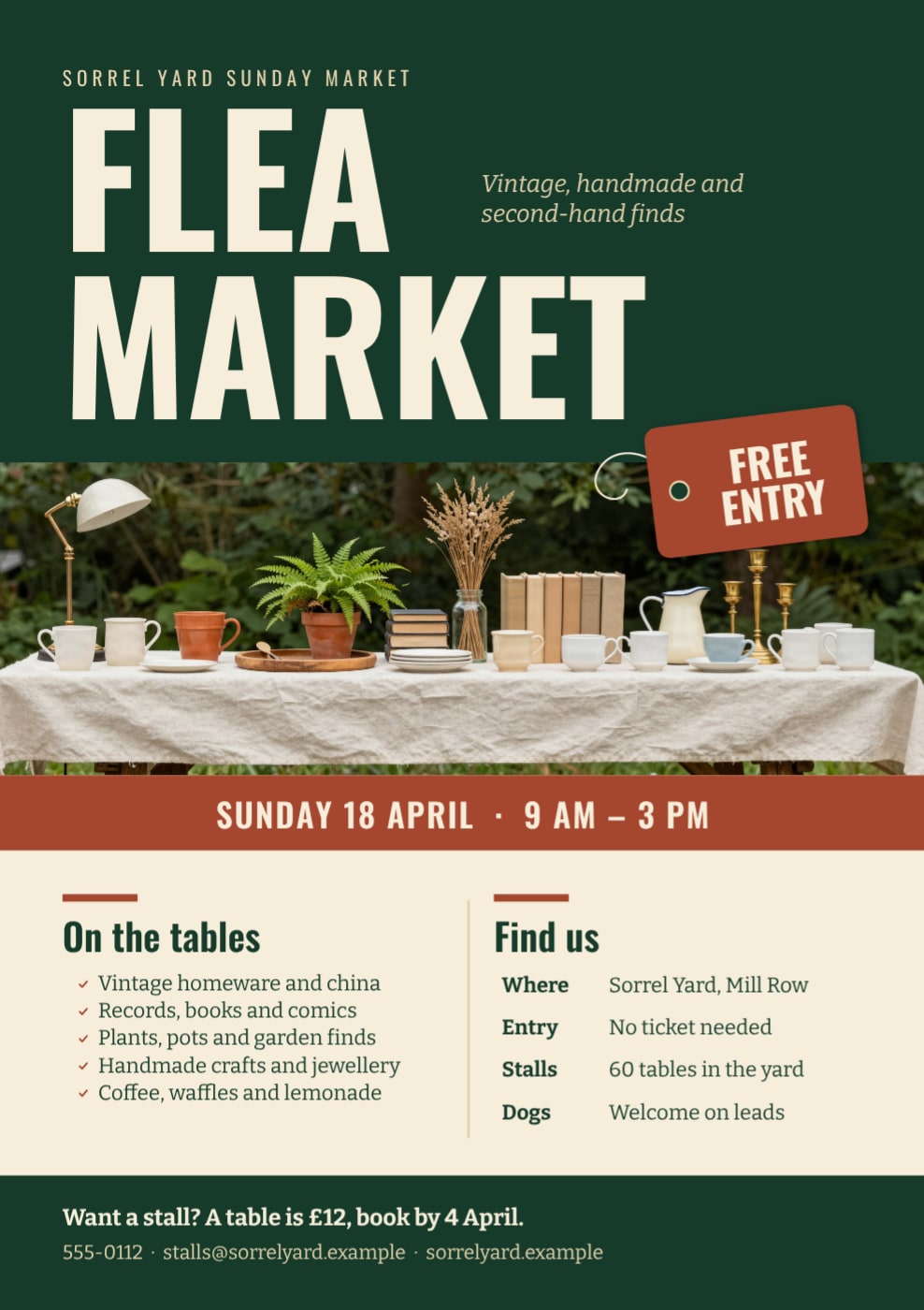 Flea market flyer with a stall table photo, forest green and cream
-
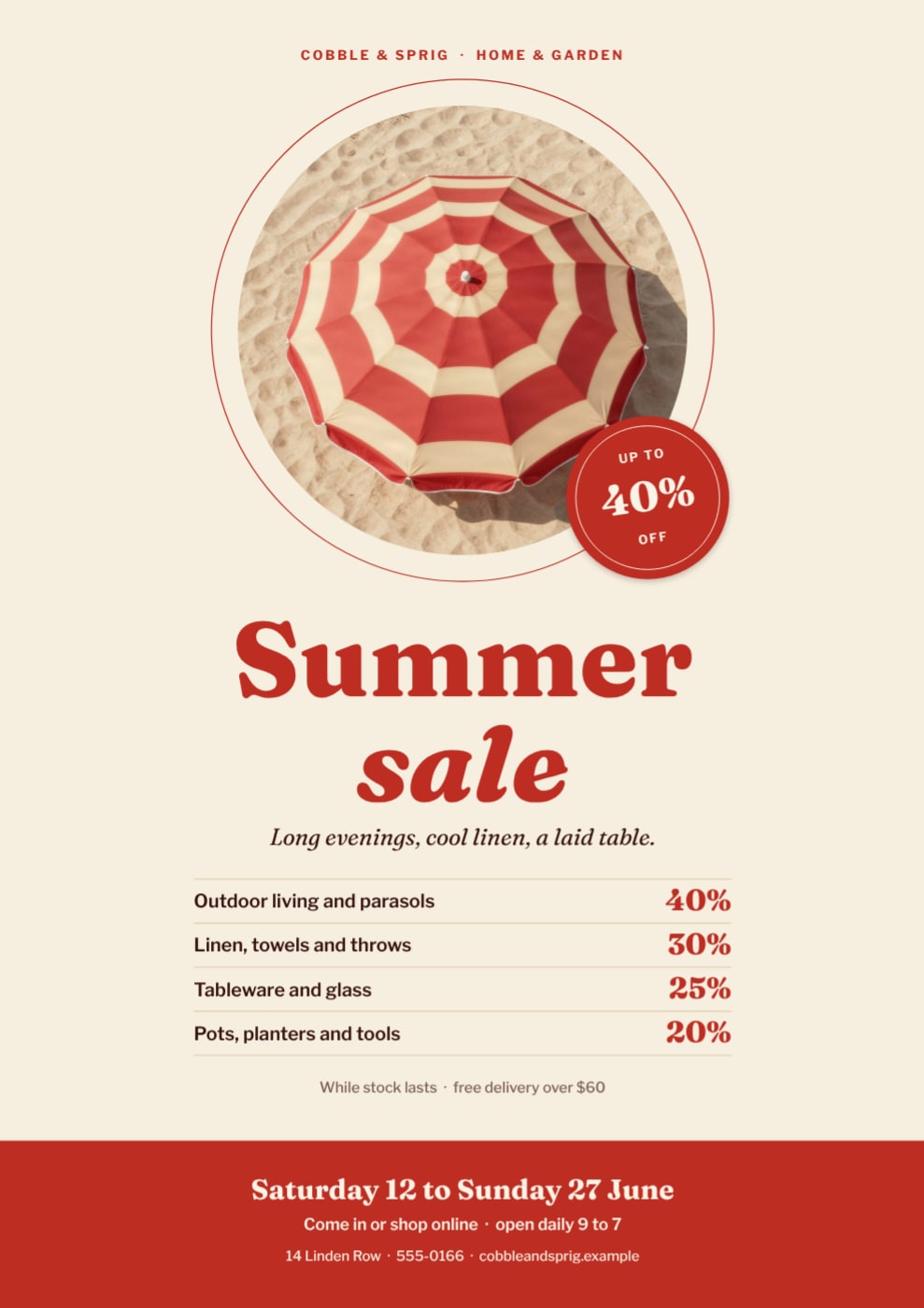 Summer sale flyer with a striped parasol photo, red and cream
-
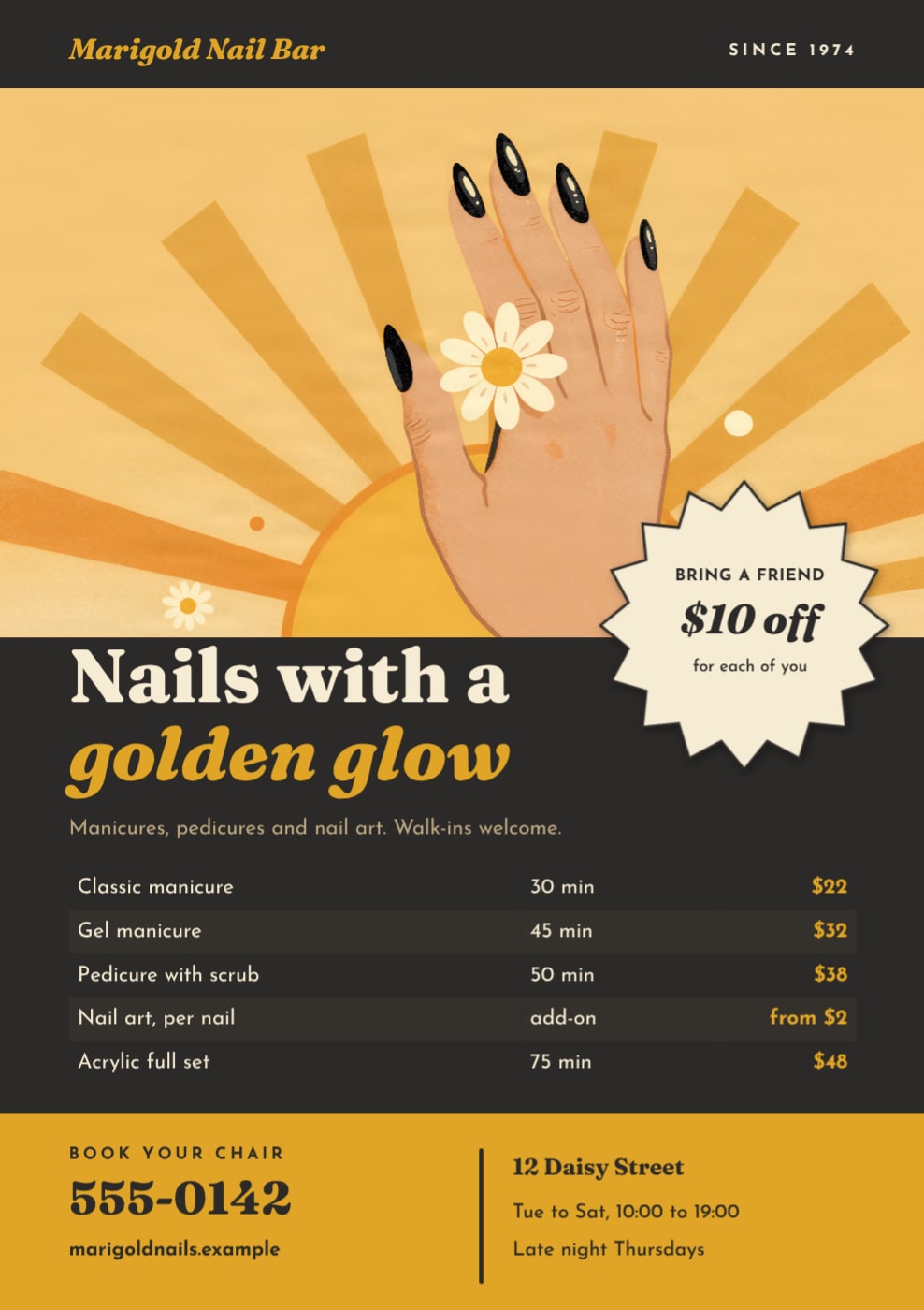 Nail salon flyer, retro mustard and charcoal
-
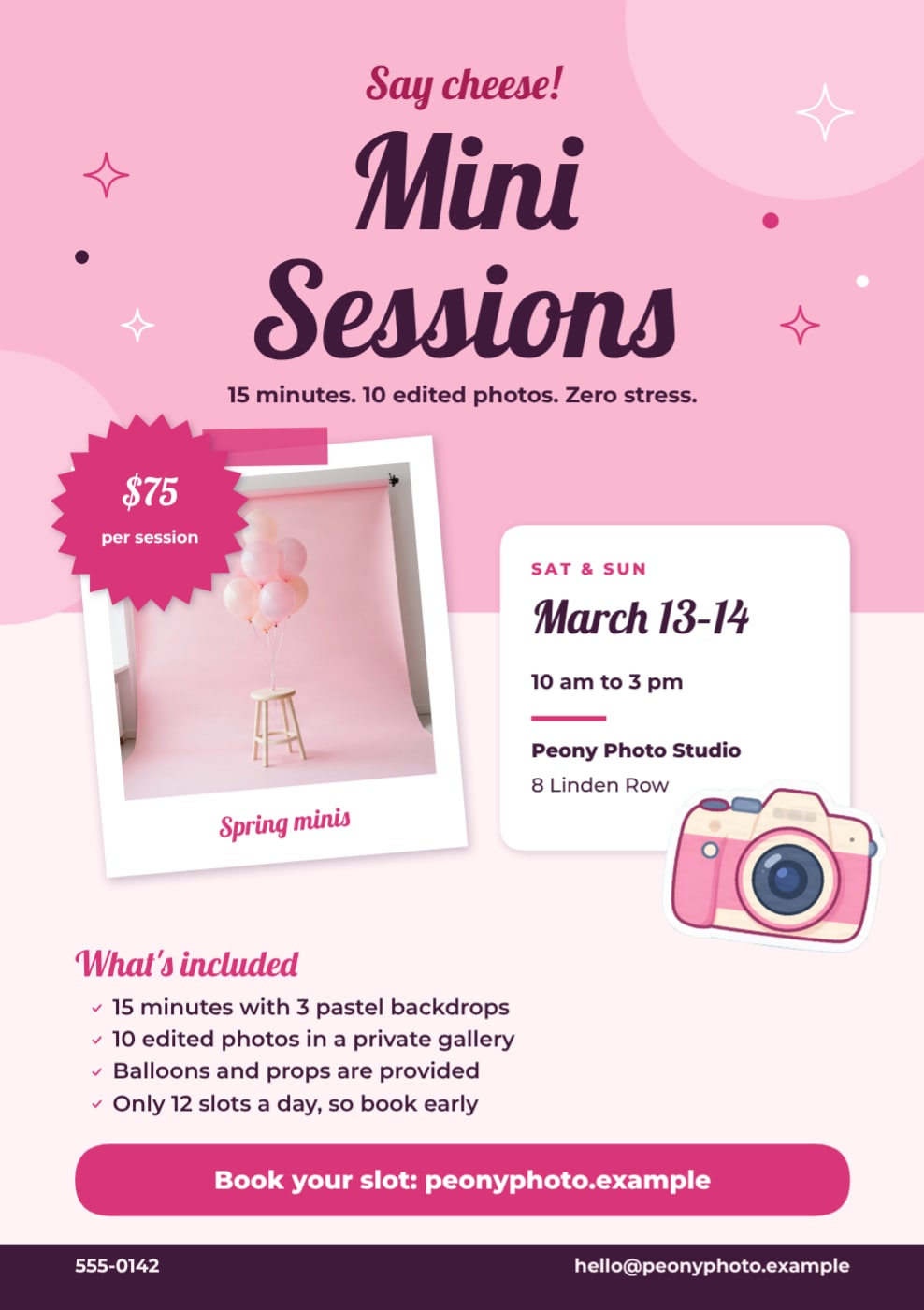 Photography mini session flyer with studio picture, pink and plum
-
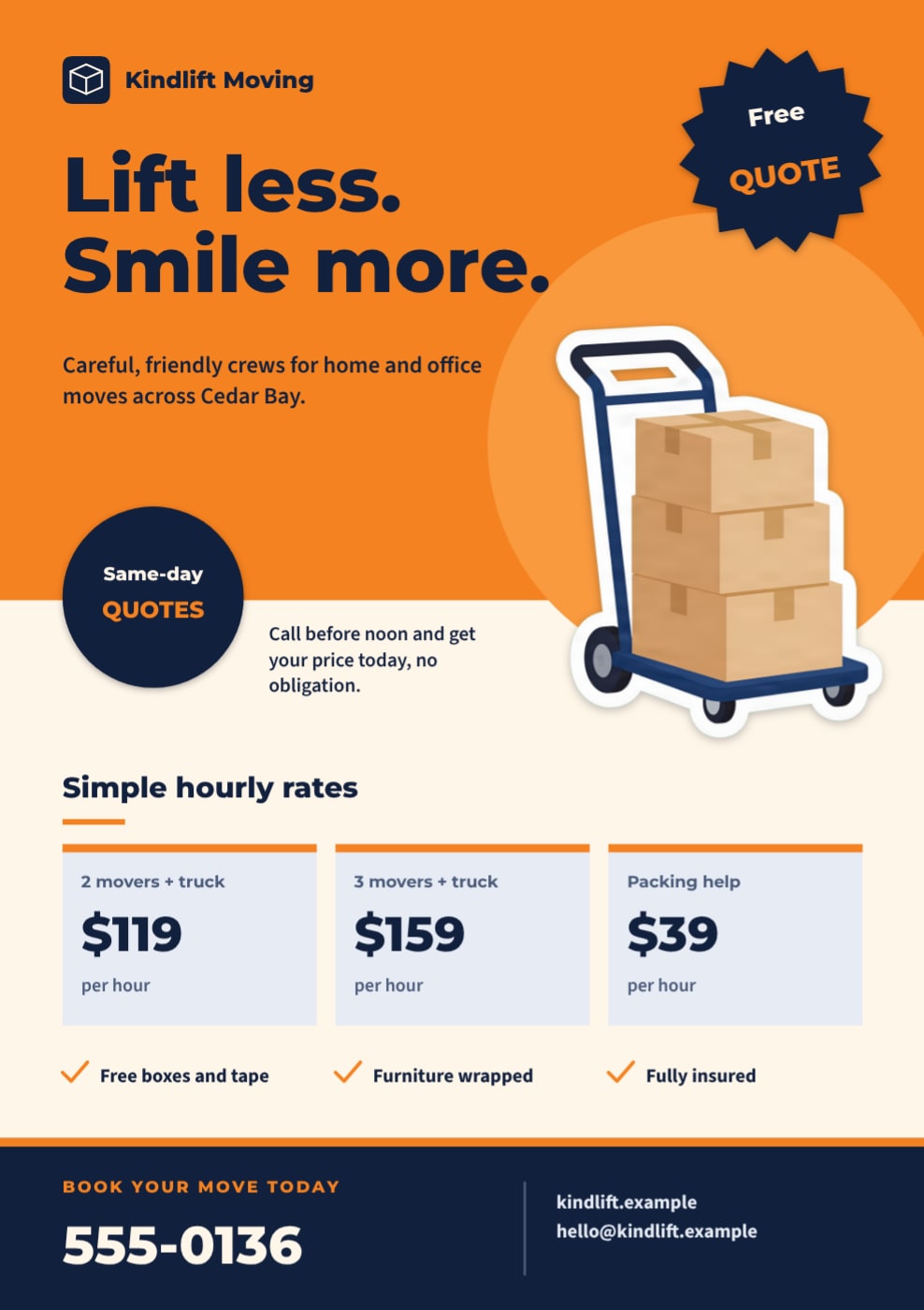 Moving company flyer with hourly rates and a hand truck picture
-
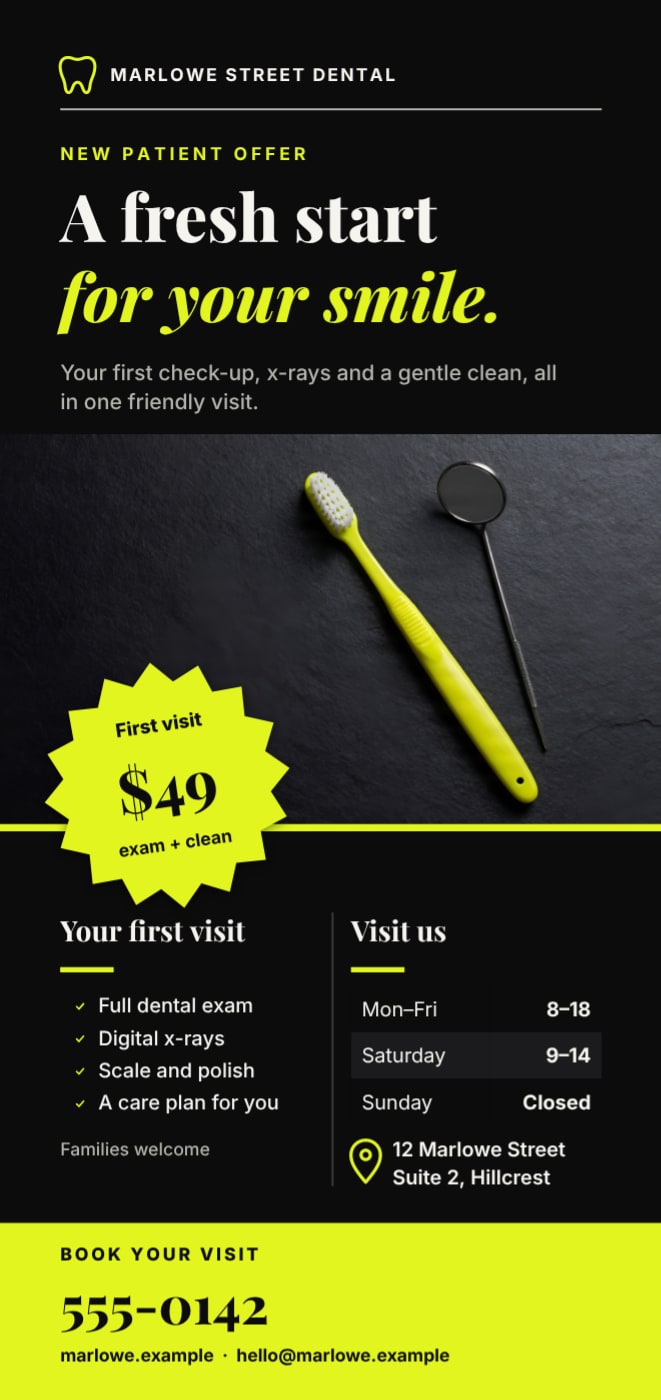 Dental new patient offer flyer, black and neon yellow
-
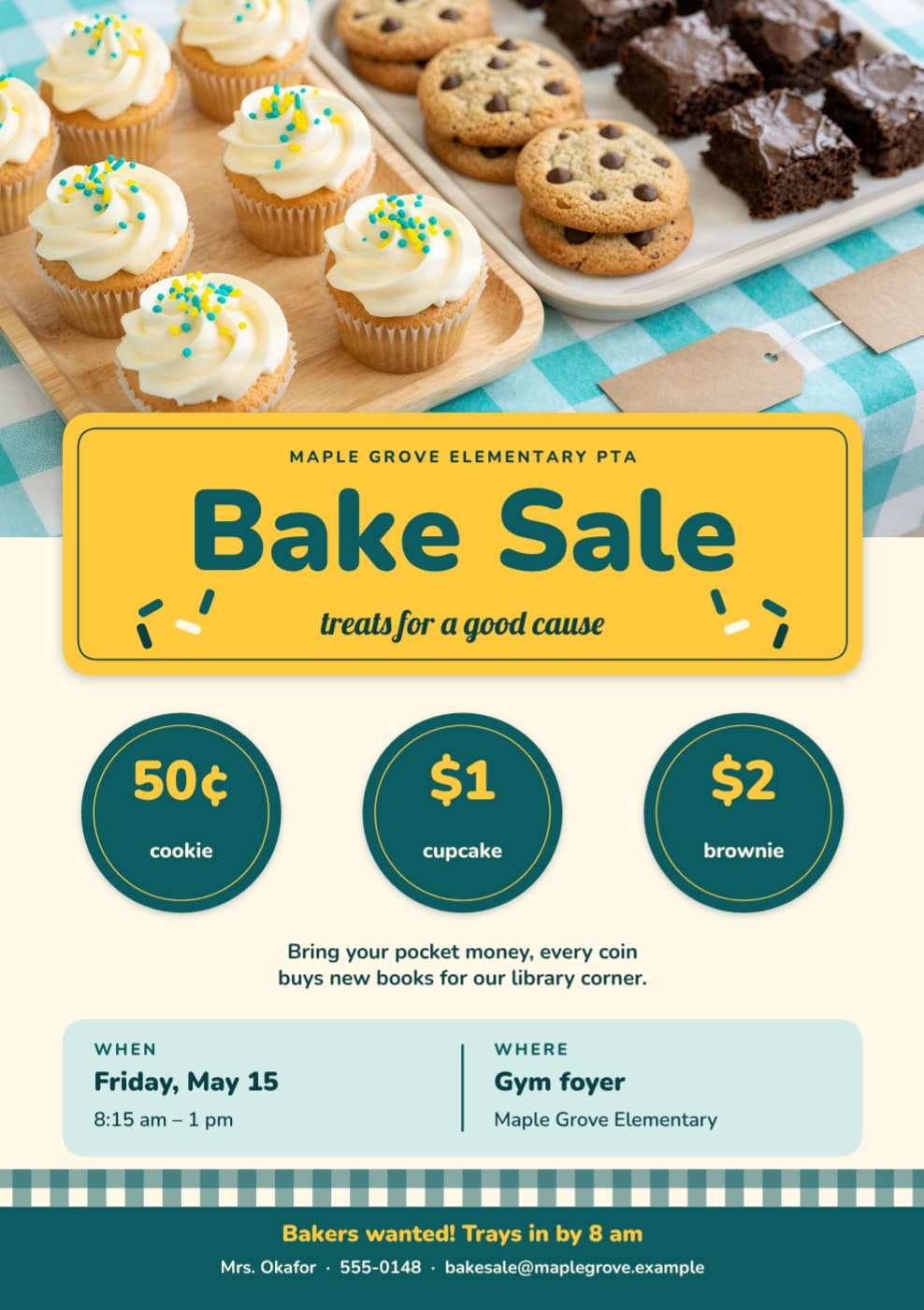 School bake sale flyer with a cupcake photo and price coins, teal and yellow
-
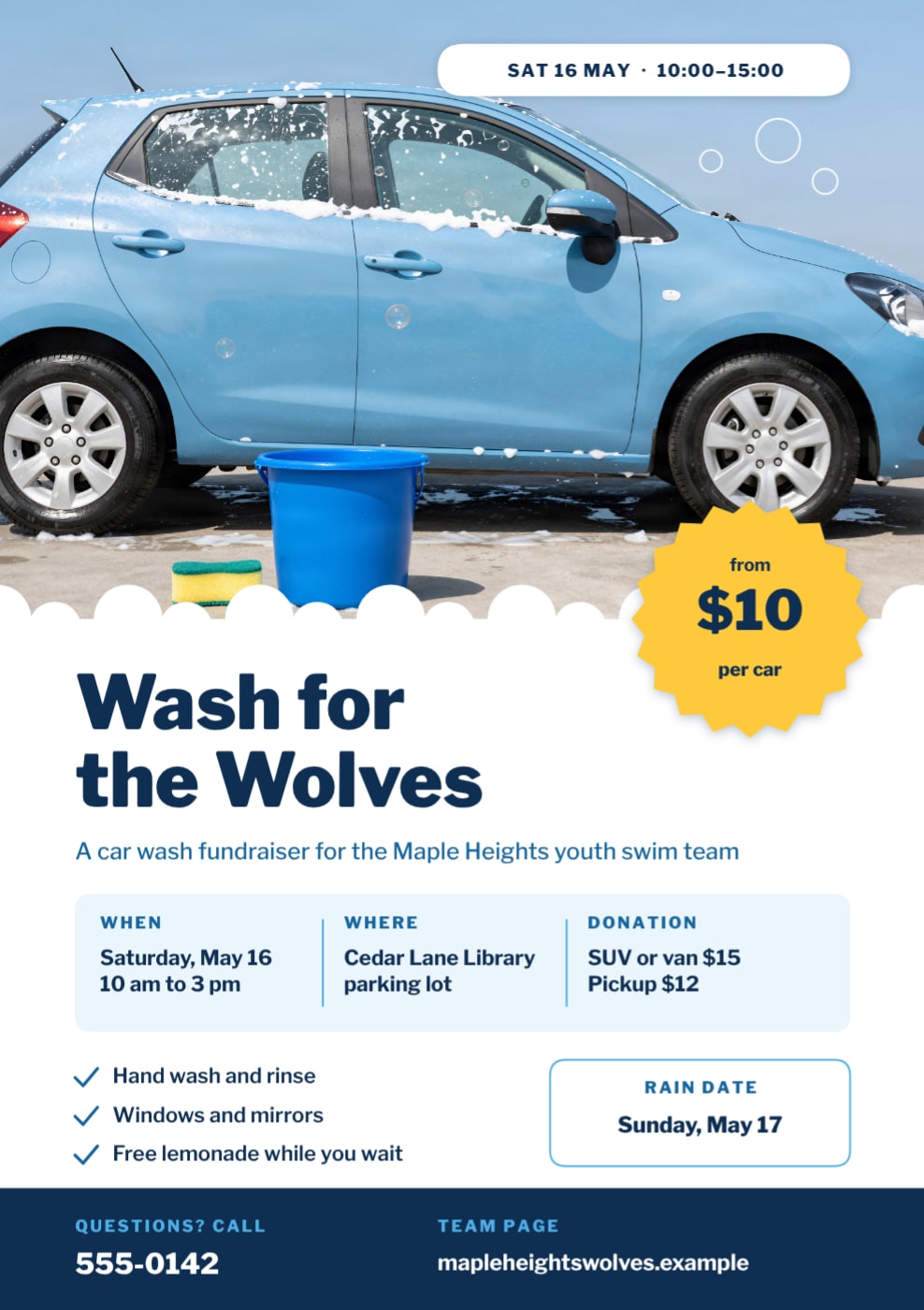 Car wash fundraiser flyer with a soapy car picture
-
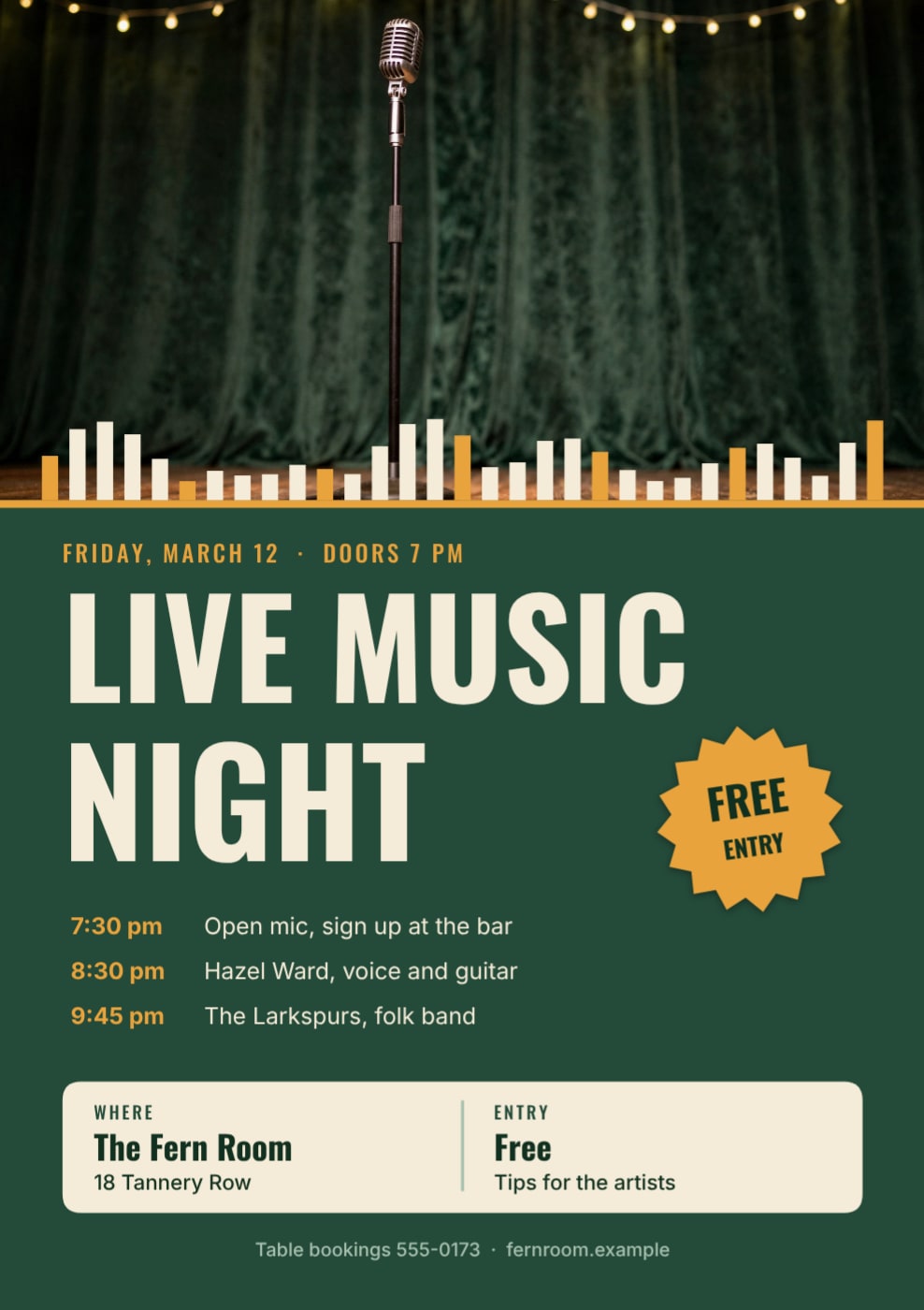 Live music night flyer with a microphone picture, forest green
-
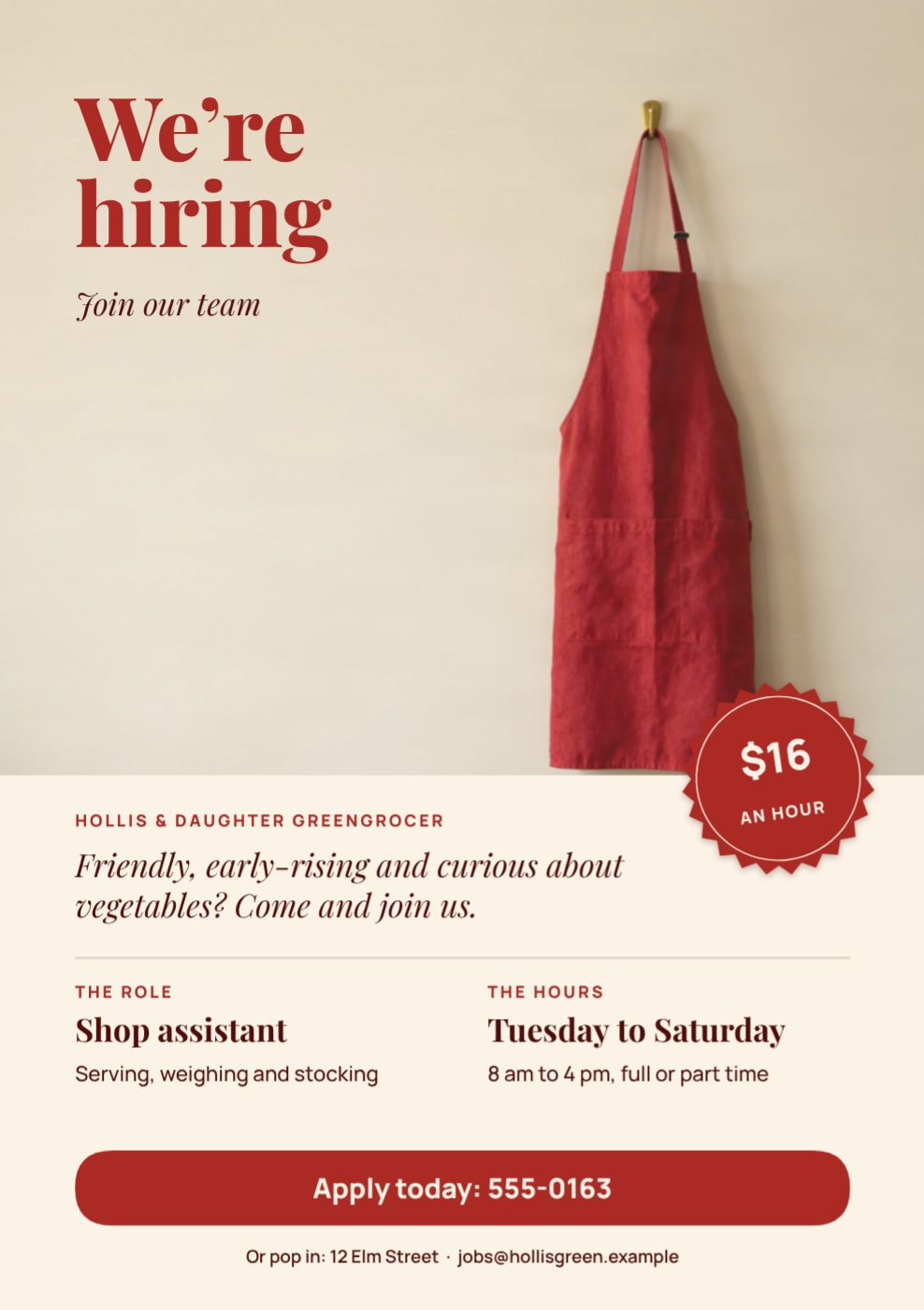 We are hiring flyer with a red apron picture
-
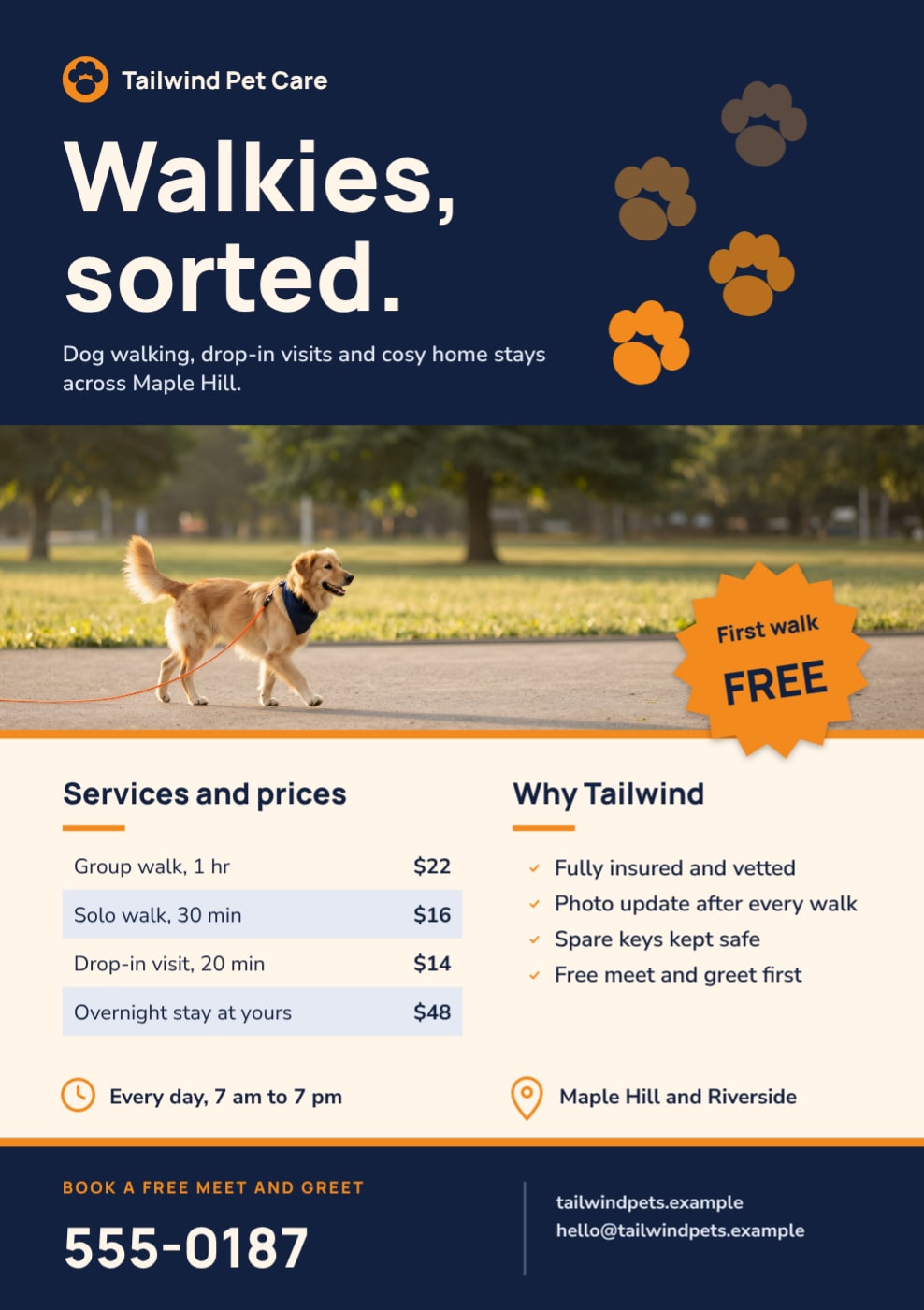 Dog walking and pet sitting flyer with a park picture, navy and orange
-
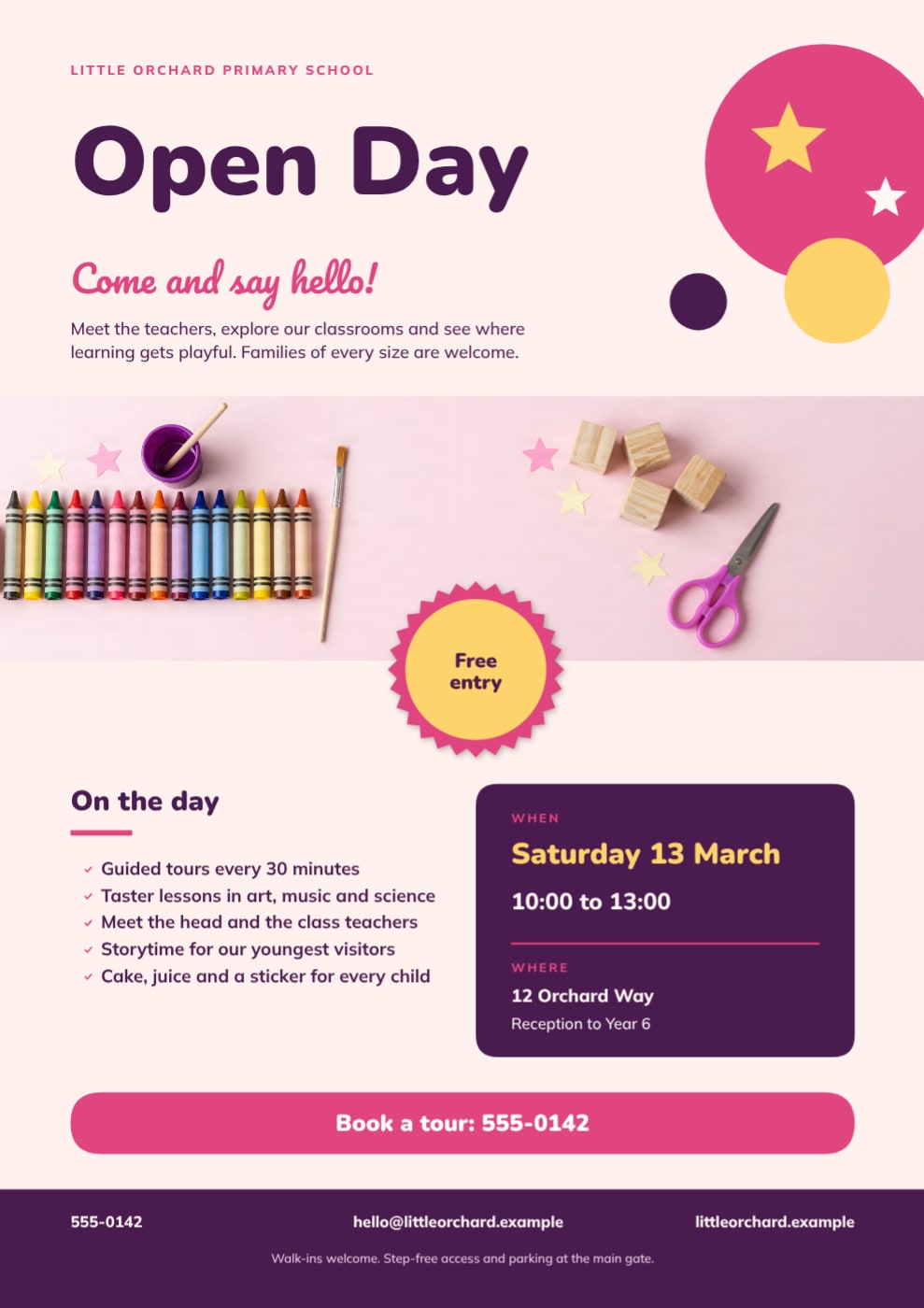 School open day flyer with art table picture, pink and plum
A flyer maker that runs in your browser
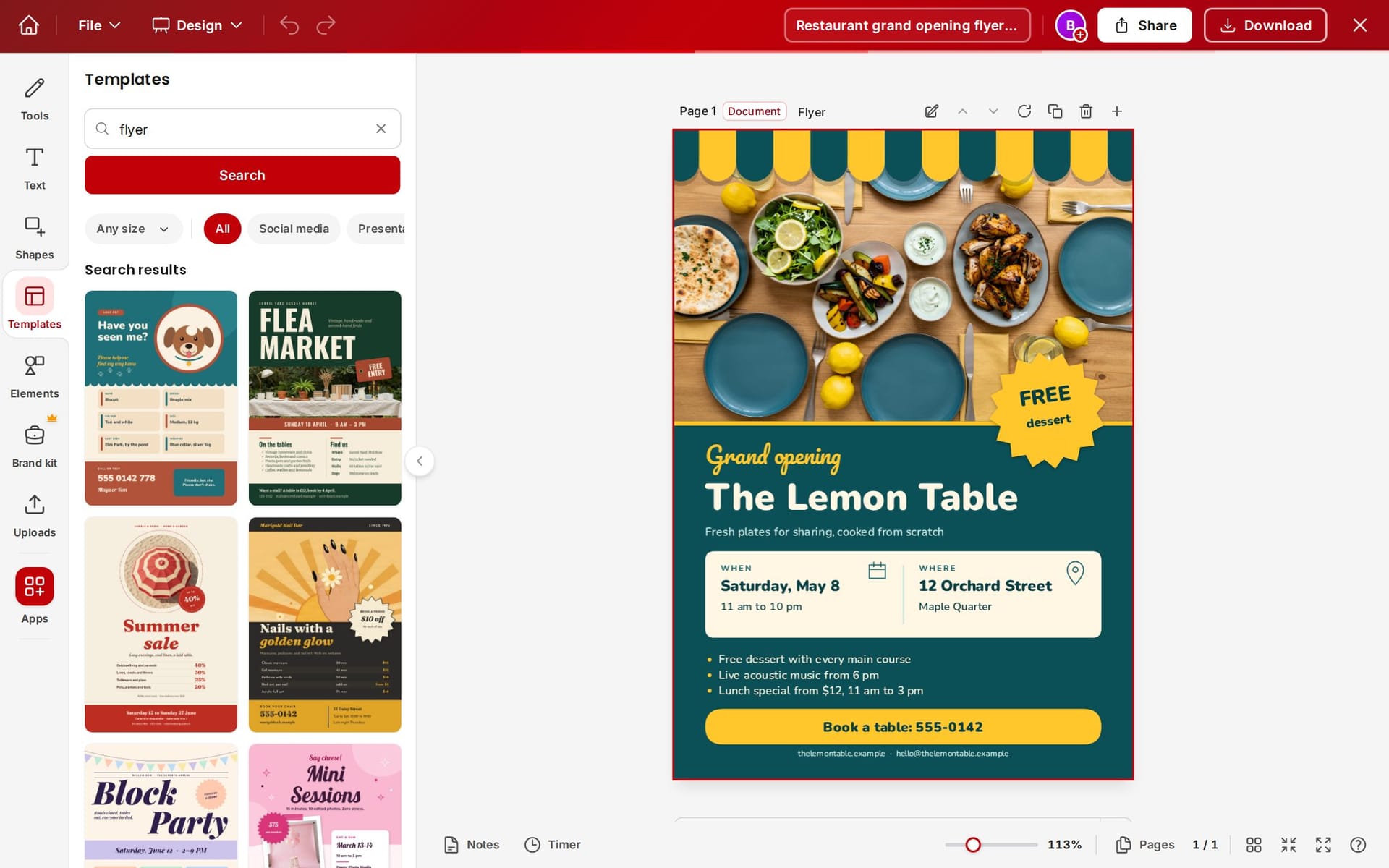
The flyer maker opens your template in the editor. You change the headline, the details, and the pictures, and the layout keeps everything in order.
- Change every word, font, and colour
- Add your logo or a photo, and shapes, lines, or a table from Elements
- Add text effects such as an outline, a glow, or neon to a headline
Print your flyers or share them online
When your flyer is ready, download it for a print shop, your printer, or social media. Every flyer size has a 4 mm safe area and prints at 300 dpi.
- PDF Print adds bleed, and crop marks if you want them, at no cost.
- PNG or JPG to post online or send in a message
- Sizes such as A5, A4, DL, US Letter, and half letter
How to make a flyer
-
Pick a template
Choose a flyer design. A free template needs only a free account.
-
Sign in
Sign in or create a free account, and the template opens in the editor.
-
Add your message
Write your headline, the date, the place, or the offer. Upload a photo or your logo and change the colours.
-
Download and print
Download a PDF to print at home, or PDF Print with bleed and crop marks for a print shop.
Everything a flyer needs
-
Flyer sizes
A5, A4, A6, DL, US Letter, and half letter.
-
Ready for a print shop
PDF Print adds bleed, and crop marks if you want them, at no cost.
-
Shapes, lines, and tables
Add shapes, arrows, grids, and tables from Elements, for prices or a schedule.
-
Headlines that stand out
Text effects such as outline, glow, and curved text.
-
Your logo and photos
Upload your own pictures and place them anywhere on the page.
-
Pages as you need them
Add a back side or more pages, or remove the ones you do not need.
More makers, templates, and apps
- Business card maker Make a business card with a front and a back.
- Invitation maker Make an invitation for a birthday, a wedding, or a party.
- Flyer templates Every flyer template in one place, the free ones first.
- Poster templates Big posters for events, shops, and classrooms.
- Compress PDF Make a flyer PDF smaller to send by email.
- Print Poster Print a flyer large, across several sheets of paper.
Questions about flyers
How do I make a flyer for free?
Pick a free flyer template, sign in with a free account, and change the words, pictures, and colours in the editor. Then download a PDF to print, PDF Print included.
What is a flyer?
A flyer is a single printed sheet that announces an event, a sale, or a service. It is handed out, put through letterboxes, or pinned up.
What size is a flyer?
A5 and A4 are the most common flyer sizes, and DL fits an envelope. In the US, flyers are often US Letter or half letter. Each template shows its size.
Can I print my flyer at a print shop?
Yes. Download PDF Print: it adds bleed, and crop marks if you want them, at no cost. Print shops ask for both.
What should be on a flyer?
A flyer needs a short headline, what is happening, when and where, and how to get in touch. Add one picture and keep the rest short, so the flyer can be read at a glance.