
Invitation maker
Start from an invitation template, add your names, date, and place, and send it or print it. The editor runs in your browser.
Start from an invitation template
The free templates come first. Each card shows its size and, for a paid plan, the plan it needs.
-
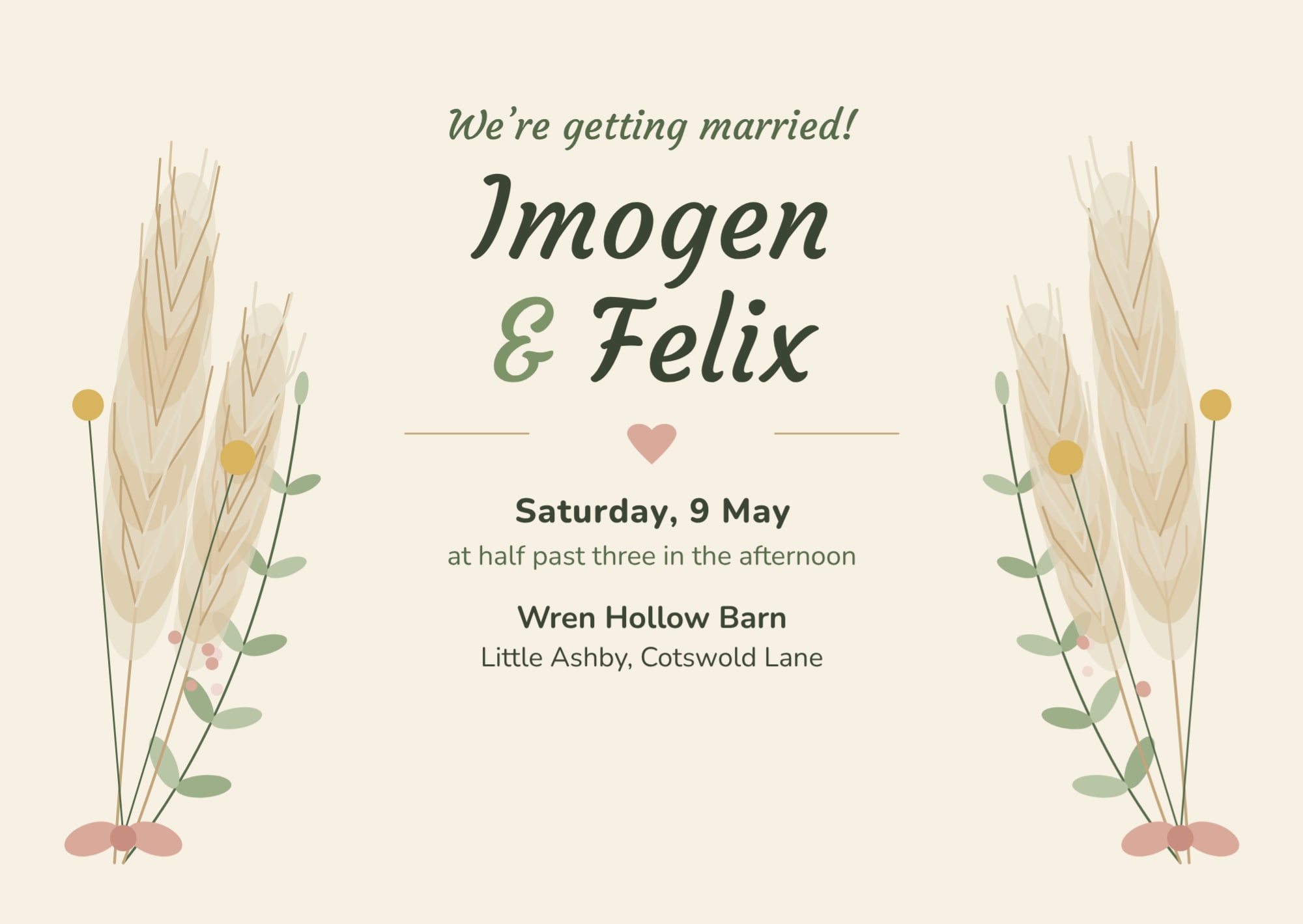 Wedding invitation with pampas grass and dried flowers
-
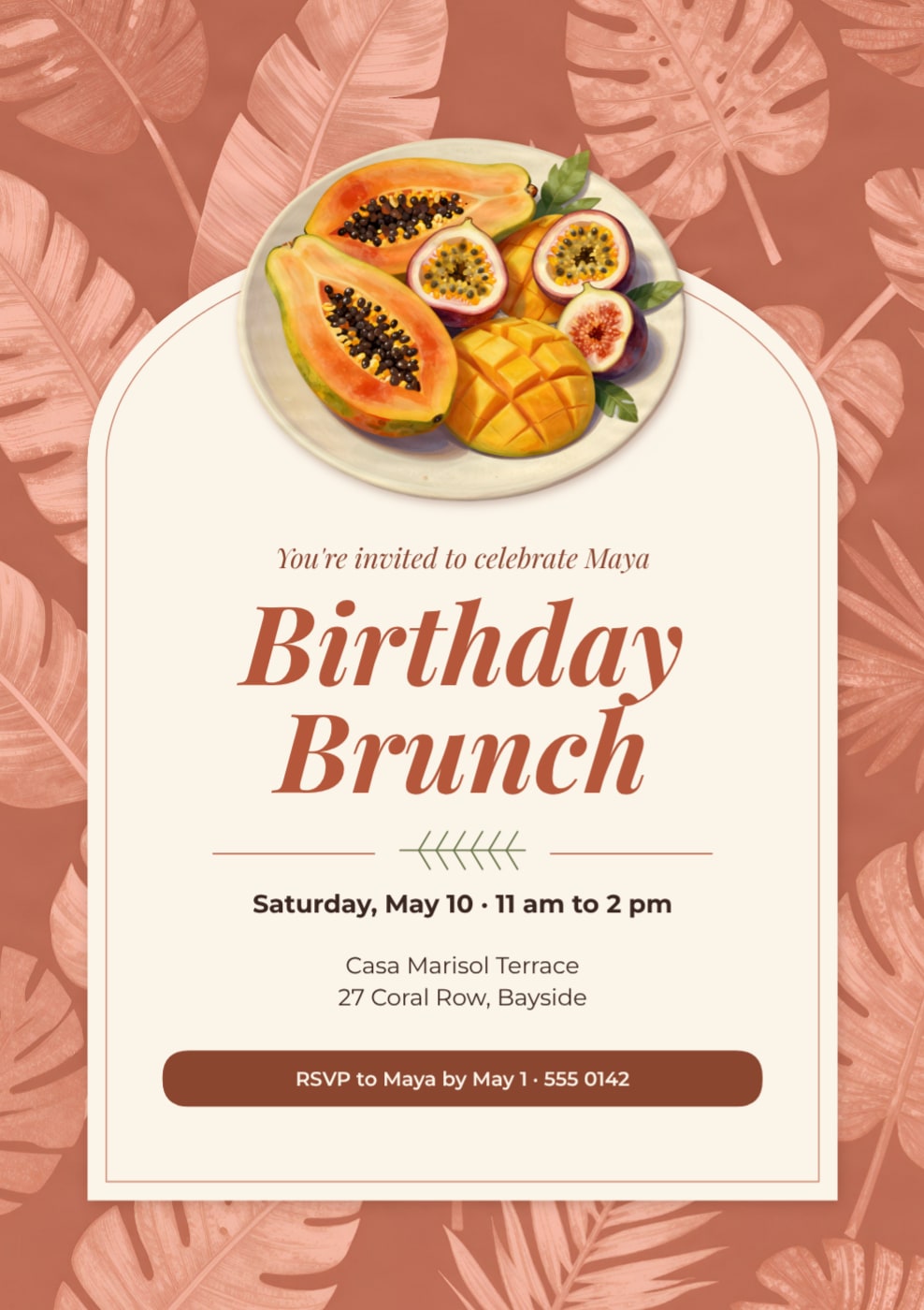 Tropical brunch birthday invitation with palm leaves, terracotta and ivory
-
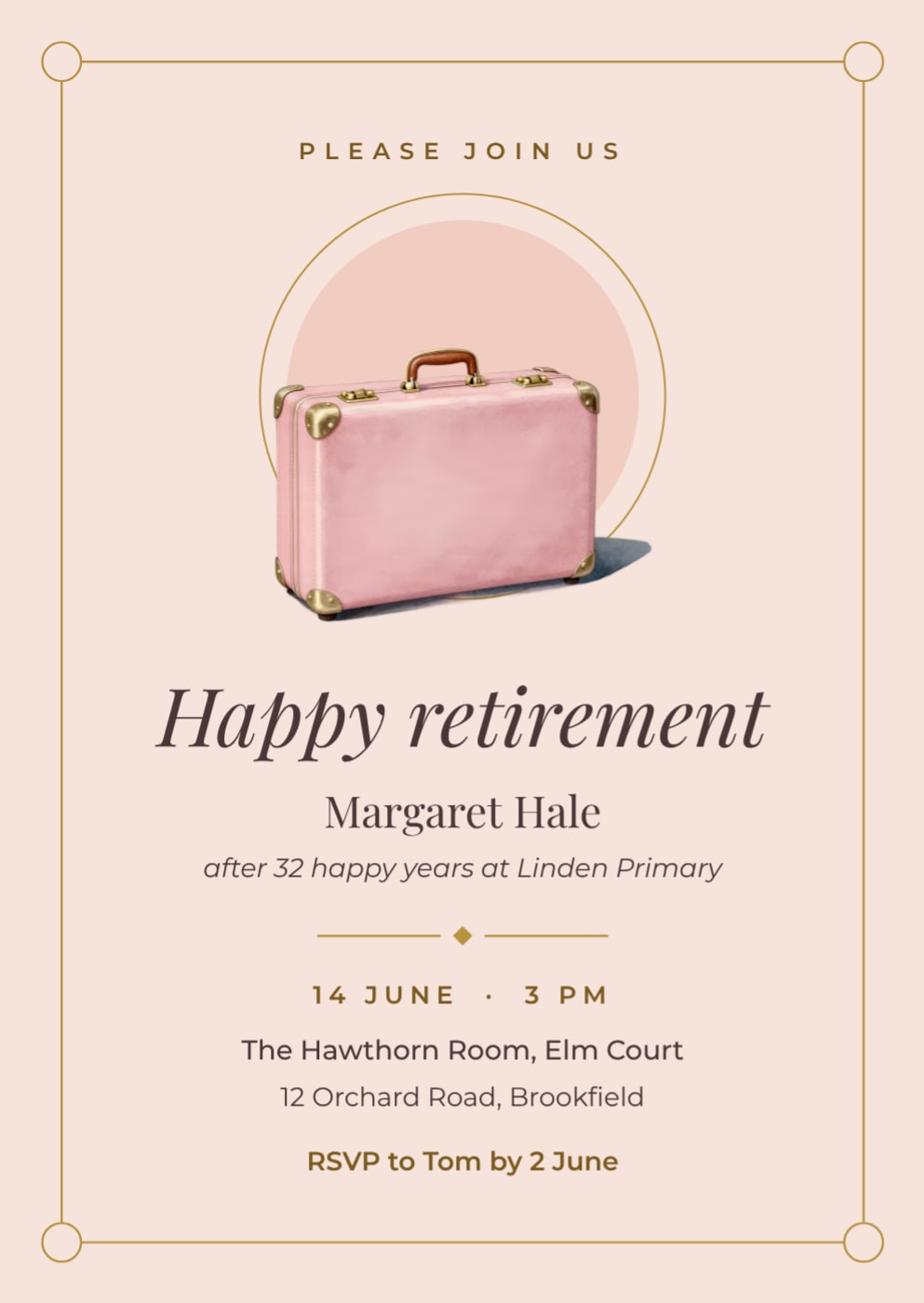 Retirement party invitation with a blush suitcase, blush and gold
-
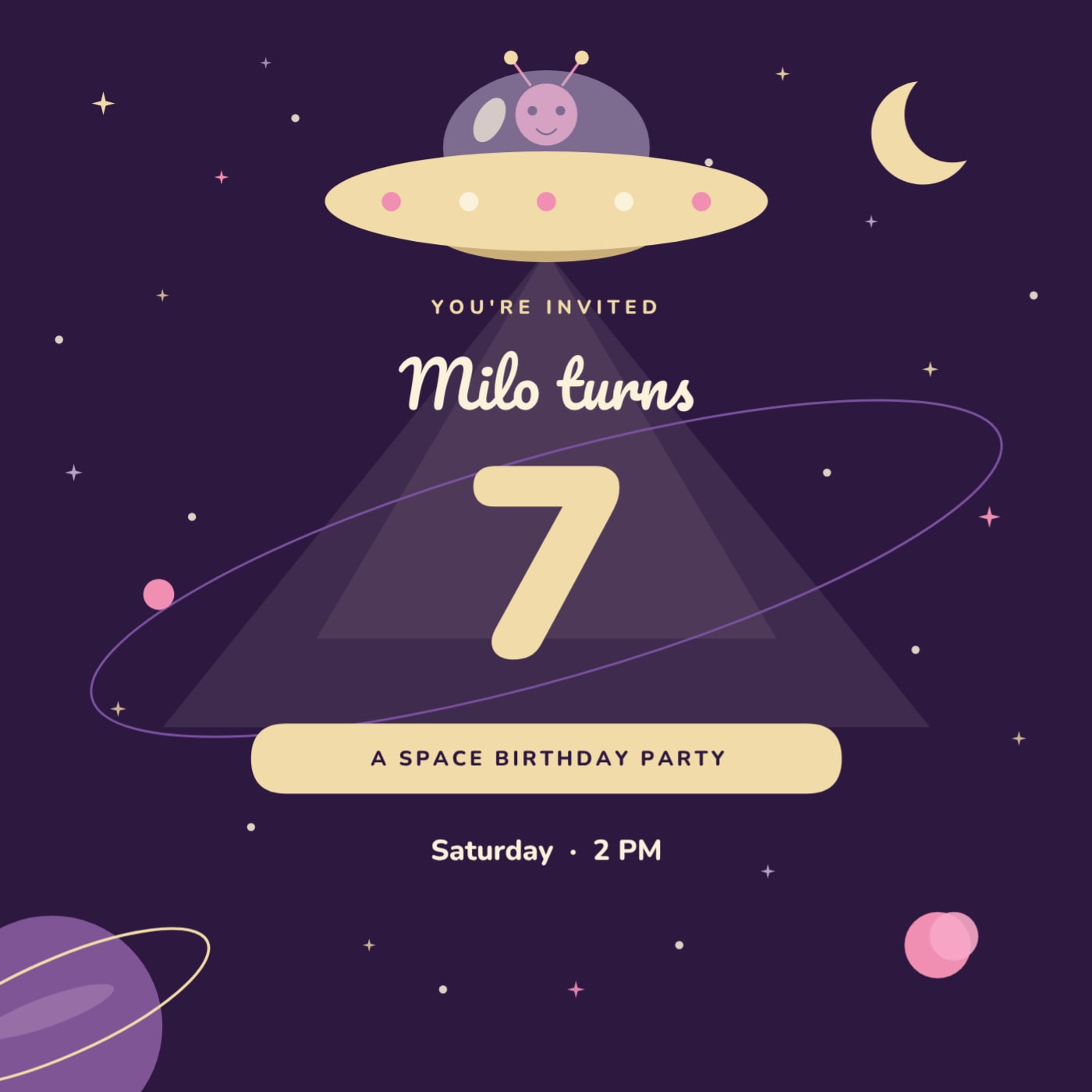 Kids space birthday invitation with a UFO beam, plum and champagne
-
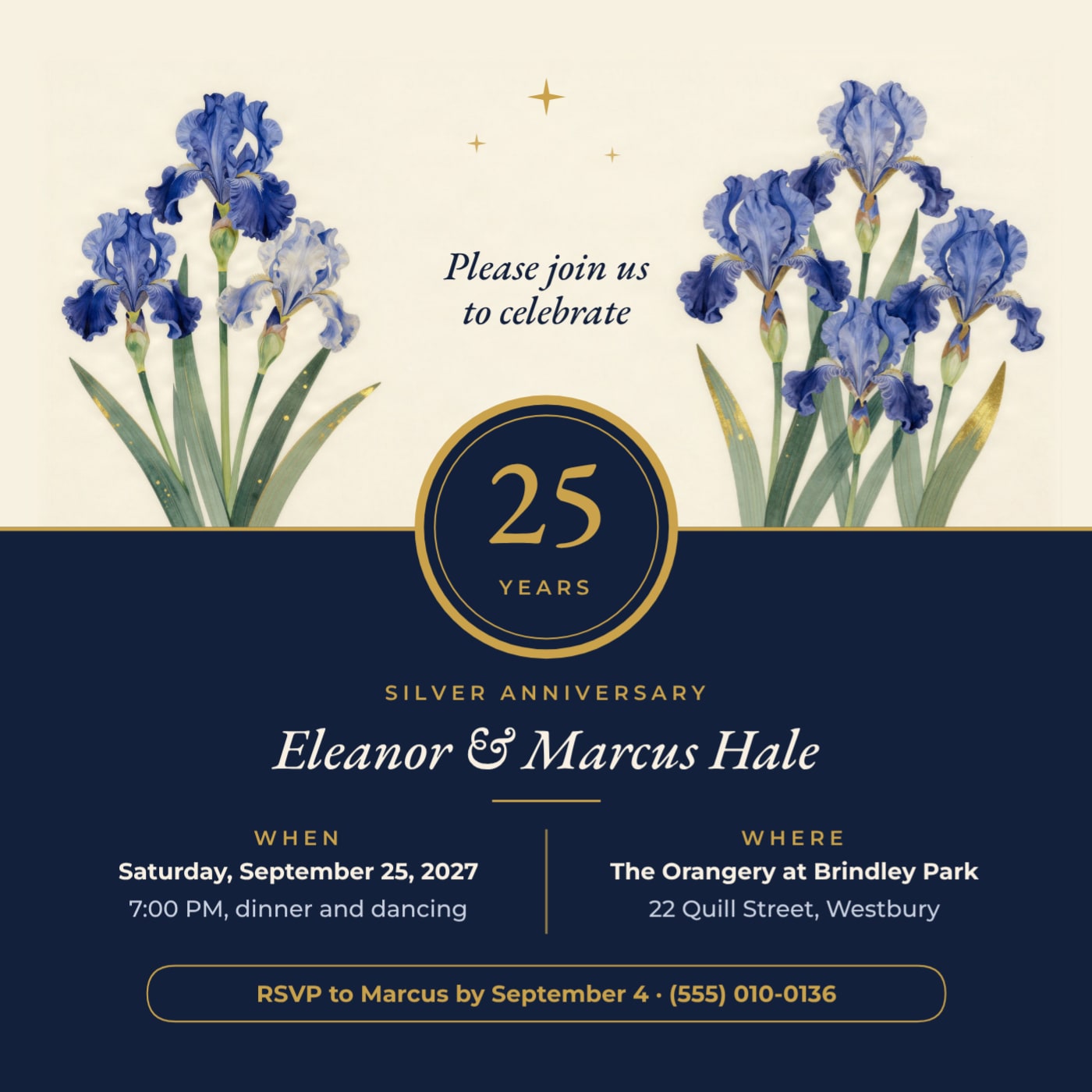 25th anniversary invitation with painted irises, navy and gold
-
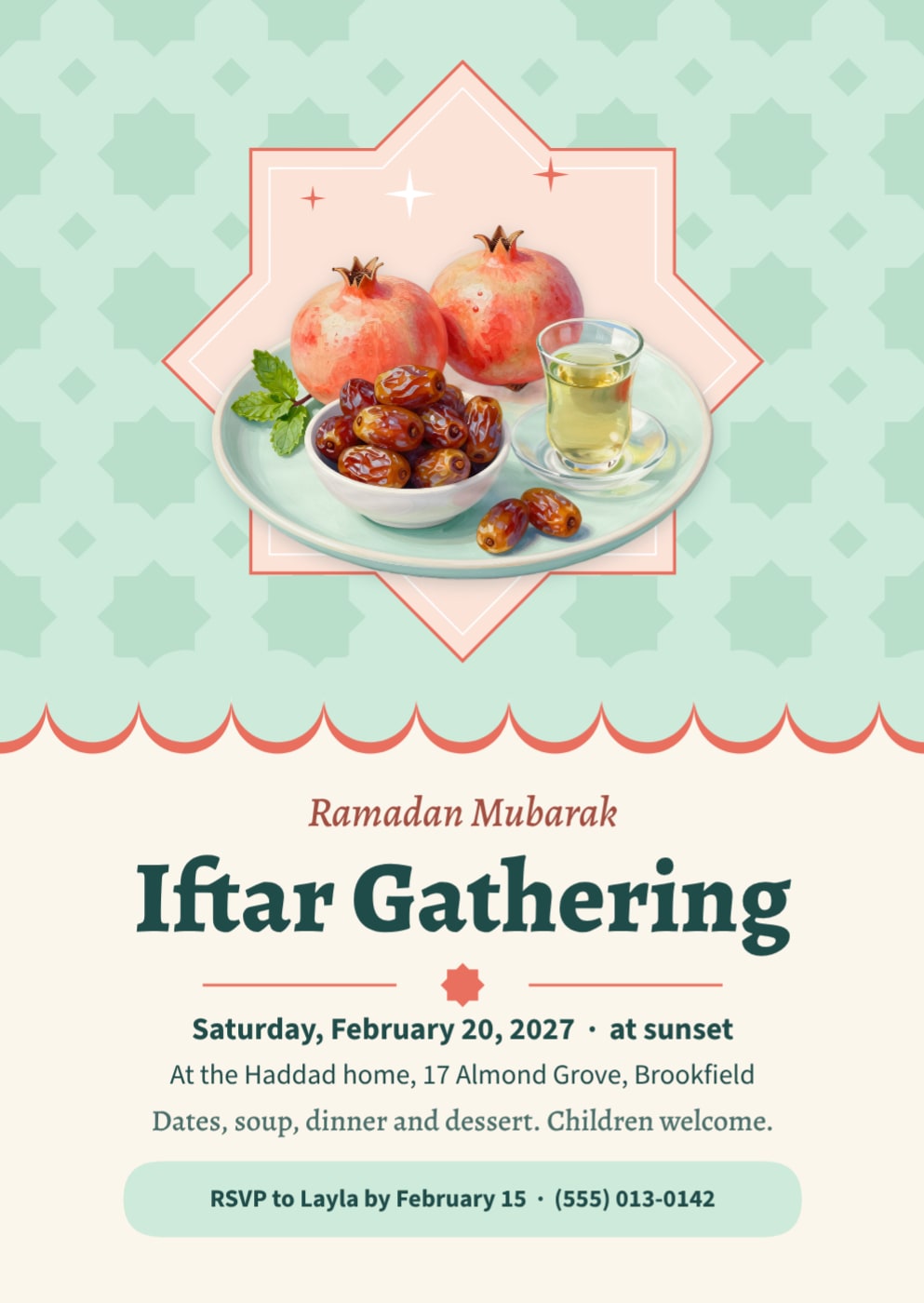 Eid and iftar gathering invitation, dates and pomegranates, coral and mint
-
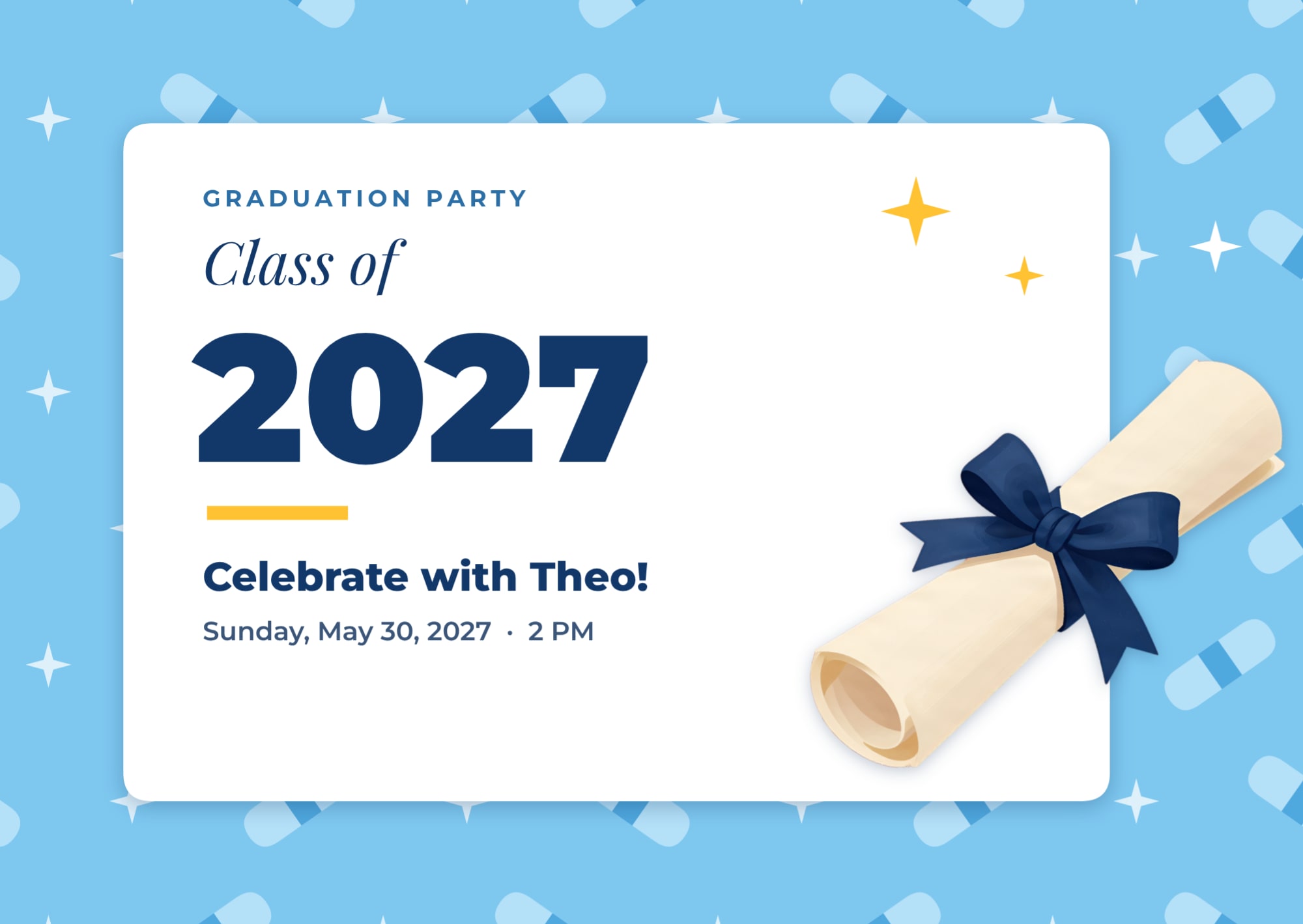 Graduation party invitation with diploma scroll, sky blue pattern
-
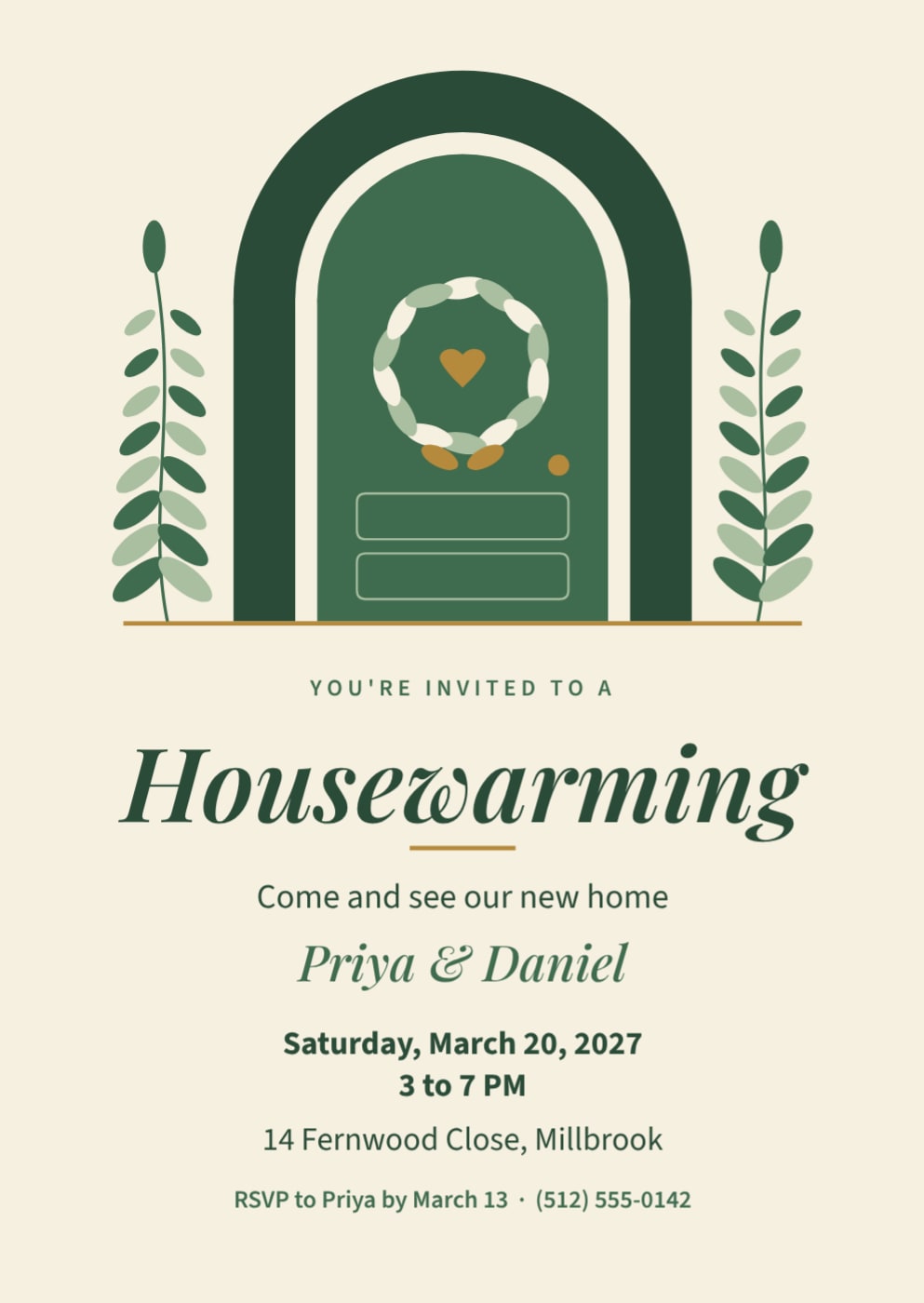 Housewarming party invitation, green arched doorway with leafy wreath
-
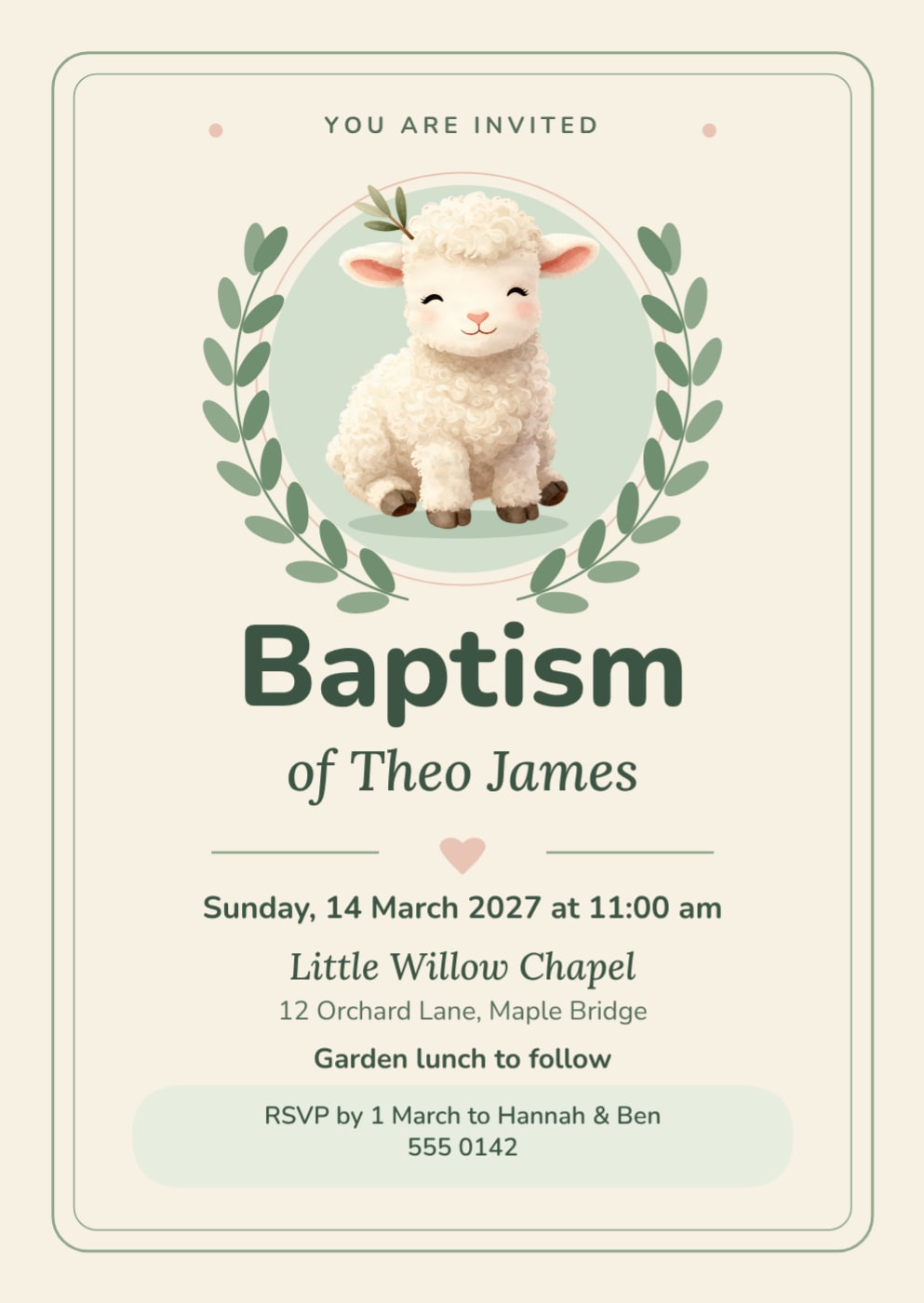 Baptism invitation, cute lamb in an olive wreath, sage and cream
-
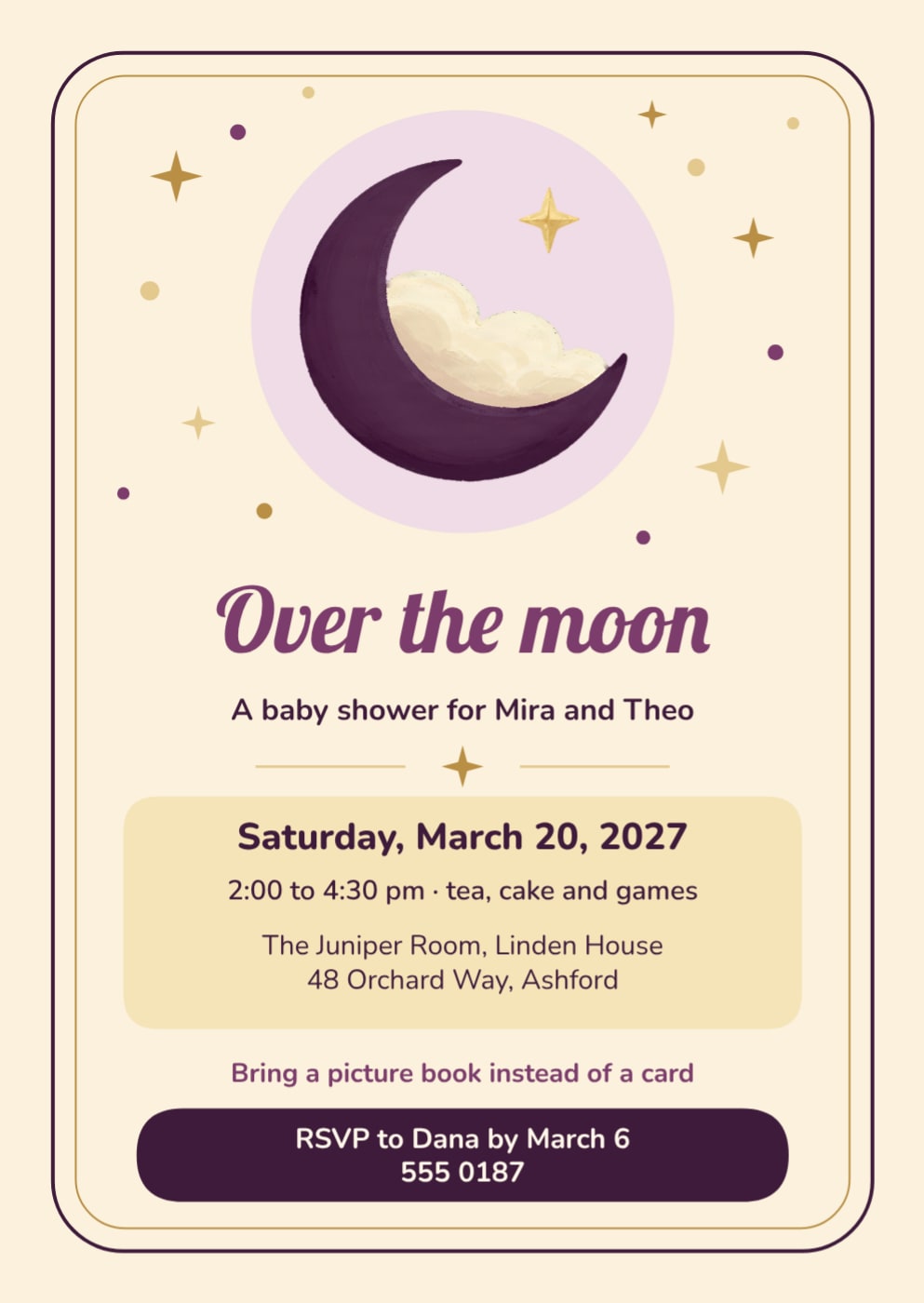 Baby shower invitation, over the moon, plum and champagne
-
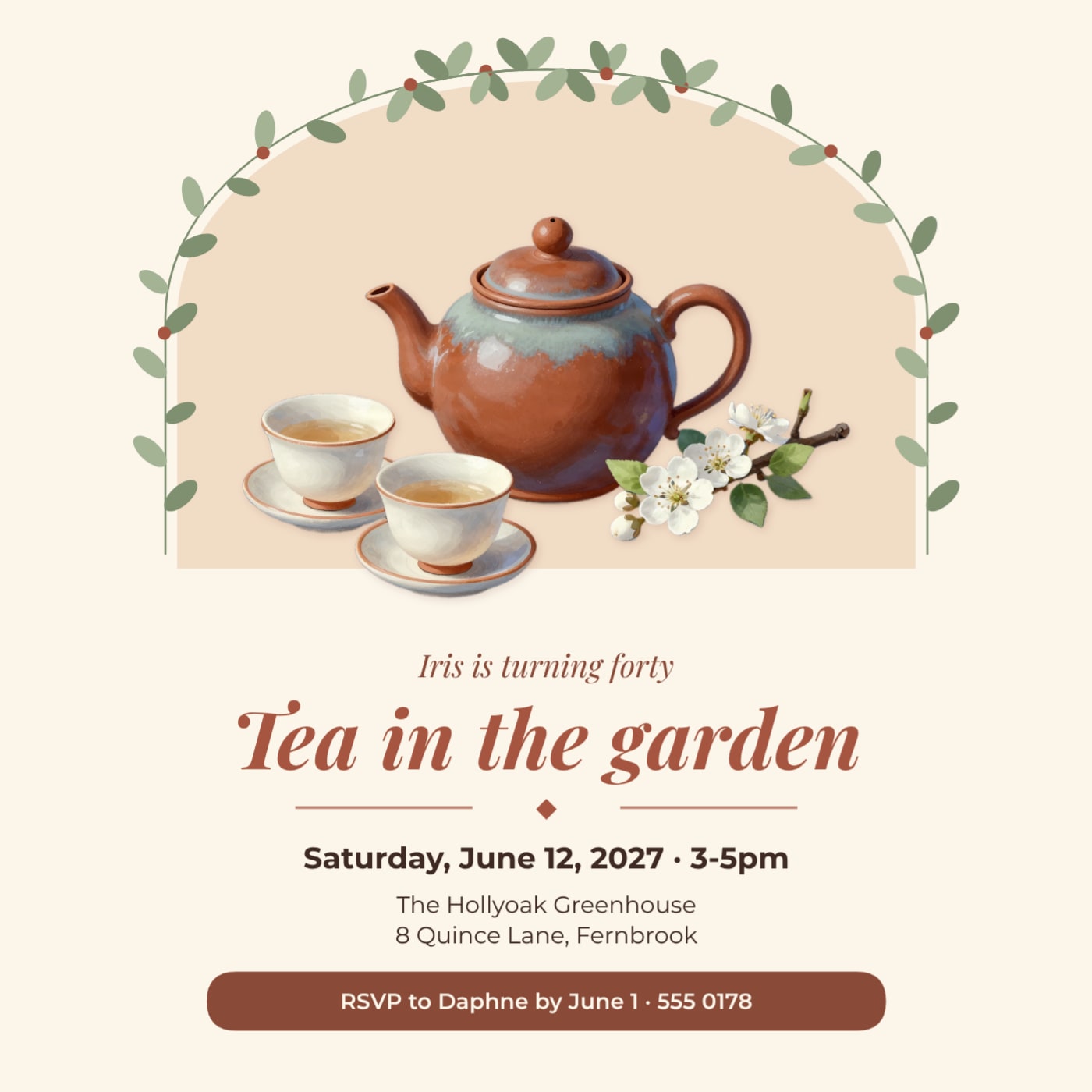 Garden tea party birthday invitation with teapot, terracotta and ivory
-
 Bridal shower invitation with a blush arch and gold rings
An invitation maker that runs in your browser
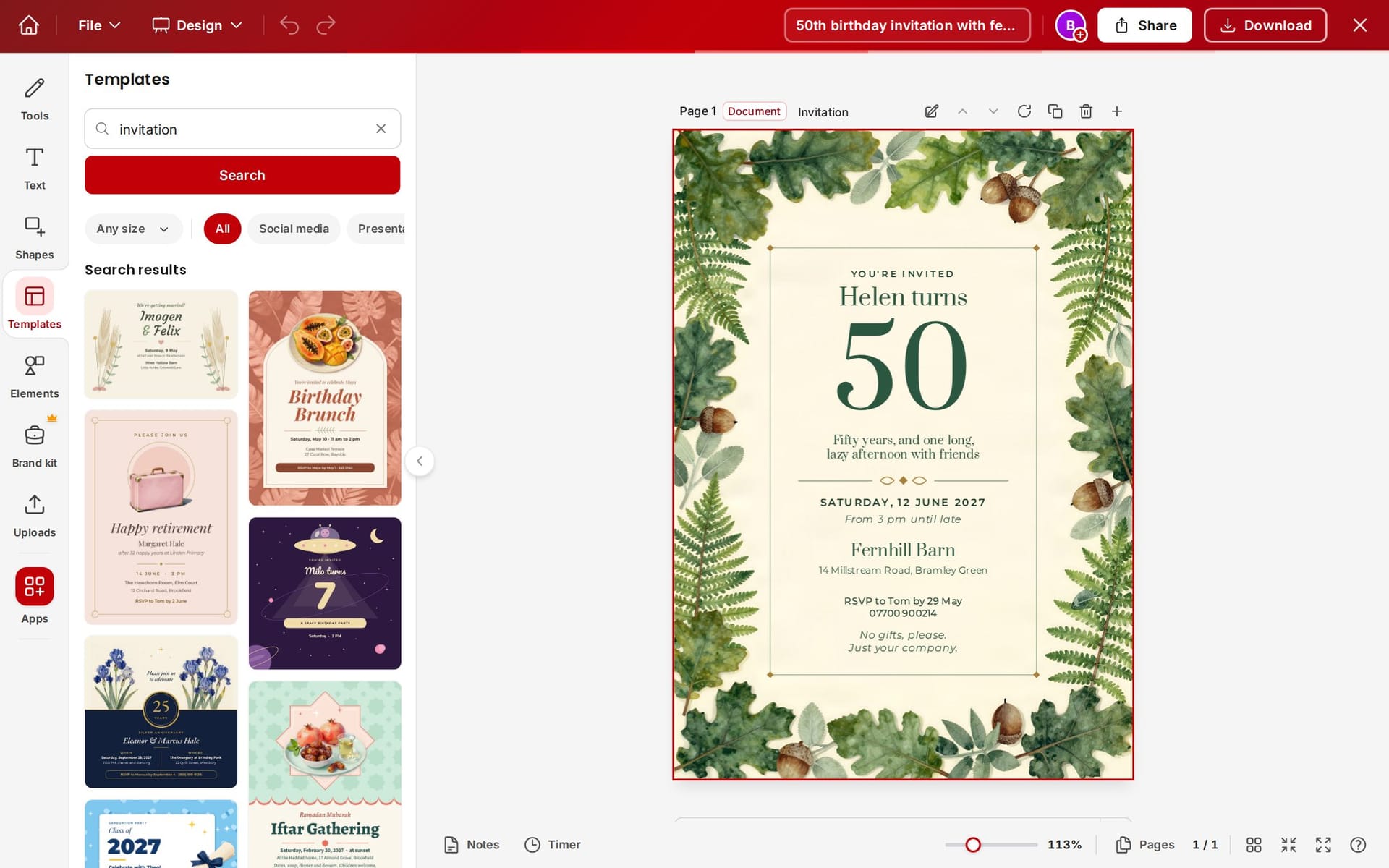
The invitation maker opens your template in the editor. You change the names, the date, the place, and the RSVP details, and see the card as your guests will.
- Change every word, font, and colour
- Add your own photos, or pictures and illustrations from Elements
- Add text effects such as an outline, a glow, or neon to a name
Send your invitation online or print it
When your invitation is ready, download it as an image to send or as a PDF to print. Every invitation size has a 4 mm safe area and prints at 300 dpi.
- PNG or JPG to share in a chat or an email
- PDF Print adds bleed, and crop marks if you want them, at no cost.
- Sizes such as an A6 postcard, a square card, 5 x 7 inches, and folded A5 and A6
How to make an invitation
-
Pick a template
Choose an invitation design for your occasion. A free template needs only a free account.
-
Sign in
Sign in or create a free account, and the template opens in the editor.
-
Add your details
Write in the names, the date, the time, and the place, and how guests should reply. Add your own photo.
-
Send or print
Download a PNG or JPG to send in a message, or PDF Print with bleed for a print shop.
Everything an invitation needs
-
For every occasion
Templates for birthdays, weddings, parties, baby showers, and graduations.
-
Front and back
Most invitation cards have two sides: the invitation on the front, the details on the back.
-
Card sizes
A6, square, 5 x 7 inches, and folded cards in A5 and A6.
-
Your own photos
Upload a photo and place it anywhere on the card.
-
Text effects
Outline, glow, curved text, and more for the names and the headline.
-
Send it or print it
A PNG or JPG for messages, PDF Print with bleed and crop marks for a print shop.
More makers, templates, and apps
- Business card maker Make a business card with a front and a back.
- Flyer maker Make a flyer for an event, a sale, or a service.
- Invitation templates Every invitation template in one place, the free ones first.
- PDF to JPG Turn an invitation PDF into an image for a chat.
- Compress PDF Make an invitation PDF smaller to send by email.
- Edit PDF Change the words of an invitation you already have as a PDF.
Questions about invitations
How do I make a birthday invitation?
Pick a birthday invitation template, sign in, and write in the name, the date, the time, and the place in the editor. Then download it as an image to send or as a PDF to print.
What should a wedding invitation include?
A wedding invitation names the couple and the hosts, gives the date, the time, and the place, and says how and by when guests should reply.
What does RSVP mean on an invitation?
RSVP asks guests to reply. It comes from the French phrase répondez s'il vous plaît, "please reply". Add a date to reply by and a phone number or an email address.
Can I send my invitation online?
Yes. Download your invitation as a PNG or JPG image and send it in a message or an email.
Is the invitation maker free?
Yes, with a free account you can use the free invitation templates and download them, PDF Print included. Templates for a paid plan name that plan on their card.
How do I write a birthday invitation?
Say whose birthday it is, and the age if it is a milestone. Then give the date, the time, and the place, how to reply and by when, and anything guests should bring. An invitation template has a place for each of these.
How do I make an invitation online?
Open the invitation maker, pick a template, and sign in with a free account. Change the details in the editor, then download a PDF to print or an image to send.