Convert PDF to Text with OCR
for free and wherever you want
Convert PDF To Text
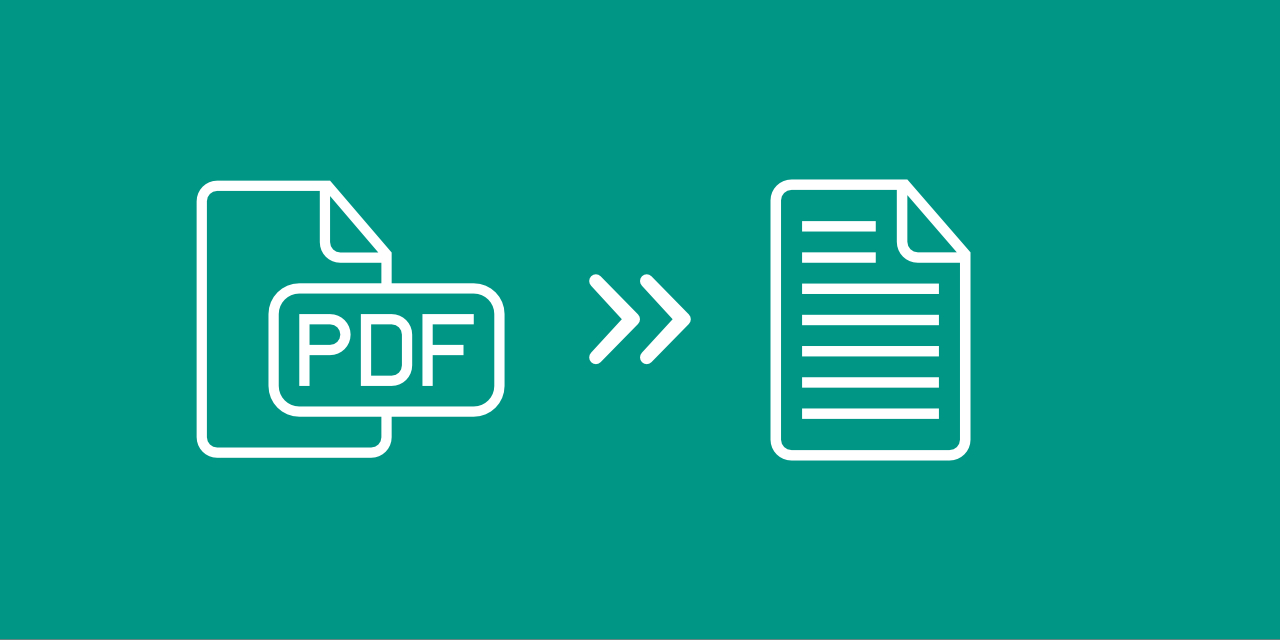
Did you ever wonder how to redact text in PDF documents? We have the solution for you. Simply convert your PDF document to text. With the help of Optical Character Recognition (OCR), you can extract any text from a PDF document into a simple text file.
And it’s simple: just upload your PDF and let us do the rest. After you provided your file, PDF2Go will use OCR to get the text from your PDF and save it as a TXT file.
Worry Free Conversion
With PDF2Go, you don’t have to worry about malware effecting your computer or apps taking up precious storage space on your phone.
As an online service, this PDF to OCR converter doesn’t require installation or even registration to extract text from PDF files.
For Scans & More
Forget about copying text from a scanned book or article by hand. If you convert PDF to text with this simple online tool, you can easily extract text from any scan you have – even from pictures.
If you have a PDF that does not allow any copying of the text, run it through our PDF to Text converter to get a simple TXT file containing all the text of your PDF document.
Safety Concerns?
When you upload a PDF to convert to text, the last thing you want is to worry about what happens to your file. We can take these concerns from you.
Your file remains yours all steps of the way. No rights are passed to us, nor does anyone check the contents of your file. More information can be found in our Privacy Politcy.
What Can I Convert?
With this online converter, you can do exactly what it says: convert PDF to text. Any PDF file you convert will be converted in a simple and easy to open text file.
From:Adobe PDF
To:Plain Text TXT
Use OCR Online
All you need for PDF2Go to take over your PDF conversion needs is a stable internet connection and any kind of browser. You are not restricted to a single computer or device either. Convert PDF documents to TXT from:
- home
- work
- on the road
- anywhere you want