Convert PowerPoint to PDF Online
Free, from anywhere
Convert PowerPoint to PDF
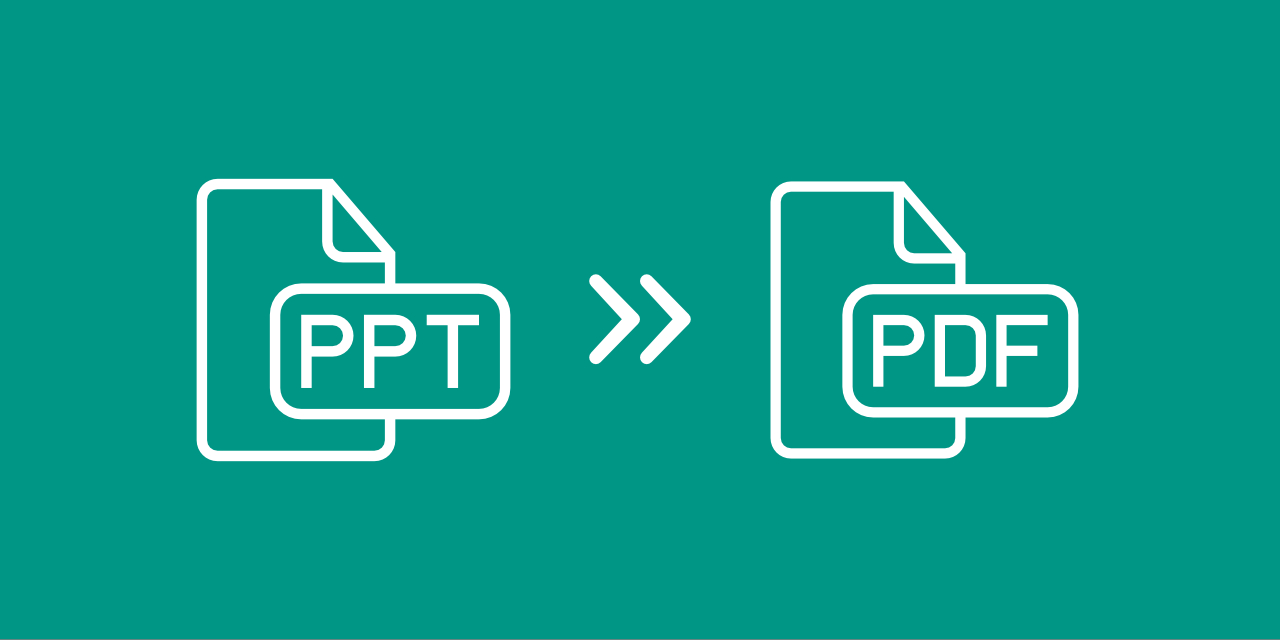
Converting from Microsoft PowerPoint PPT to PDF is easy. Simply upload your presentation by dragging and dropping it or by browsing your hard drive. You can also use a file from cloud storage.
Once uploaded, click on "Save Changes" to start the conversion. Afterwards, you can download your new PDF file, share it, or apply more changes, such as adding a password.
No Strings Attached
When you download applications or software to your computer, storage space is only one issue you might face. Malware and viruses are an even bigger risk.
With PDF2Go, you do not have to worry about these risks. All you download is your converted PDF file.
Why Convert to PDF?
PDF has several advantages over the Microsoft PowerPoint PPT format. Depending on the system, program, or even projector, presentations can lose their formatting, which quickly looks unprofessional.
If you convert PowerPoint to PDF, you can make sure that the formatting of your slides looks exactly as it should.
Safe PDF Conversion
Convert from PPT to PDF free of any cost and concerns. Your files are not checked manually, and we do not claim any ownership of them. Your file remains yours and your information is safe.
If you still have questions, see our Privacy Policy.
More Than PPT?
Our specialty is converting PowerPoint PPT files to PDF, but there is more you can do. Other files, such as documents, images, and e-books, can also be converted to PDF.
Such as:DOC, DOCX, ODT, RTF, JPG, PNG, TIFF, EPUB, AZW, MOBI and more
PPT to PDF Online
PDF2Go works on the go. You do not need to stay at your computer. This PDF converter only needs an internet connection.
Convert your PowerPoint presentation to PDF from your home computer, work computer, smartphone, or tablet.