
Business card maker
Start from a business card template, put in your name and details, and download a print-ready PDF. The editor runs in your browser.
Start from a business card template
The free templates come first. Each card shows its size and, for a paid plan, the plan it needs.
-
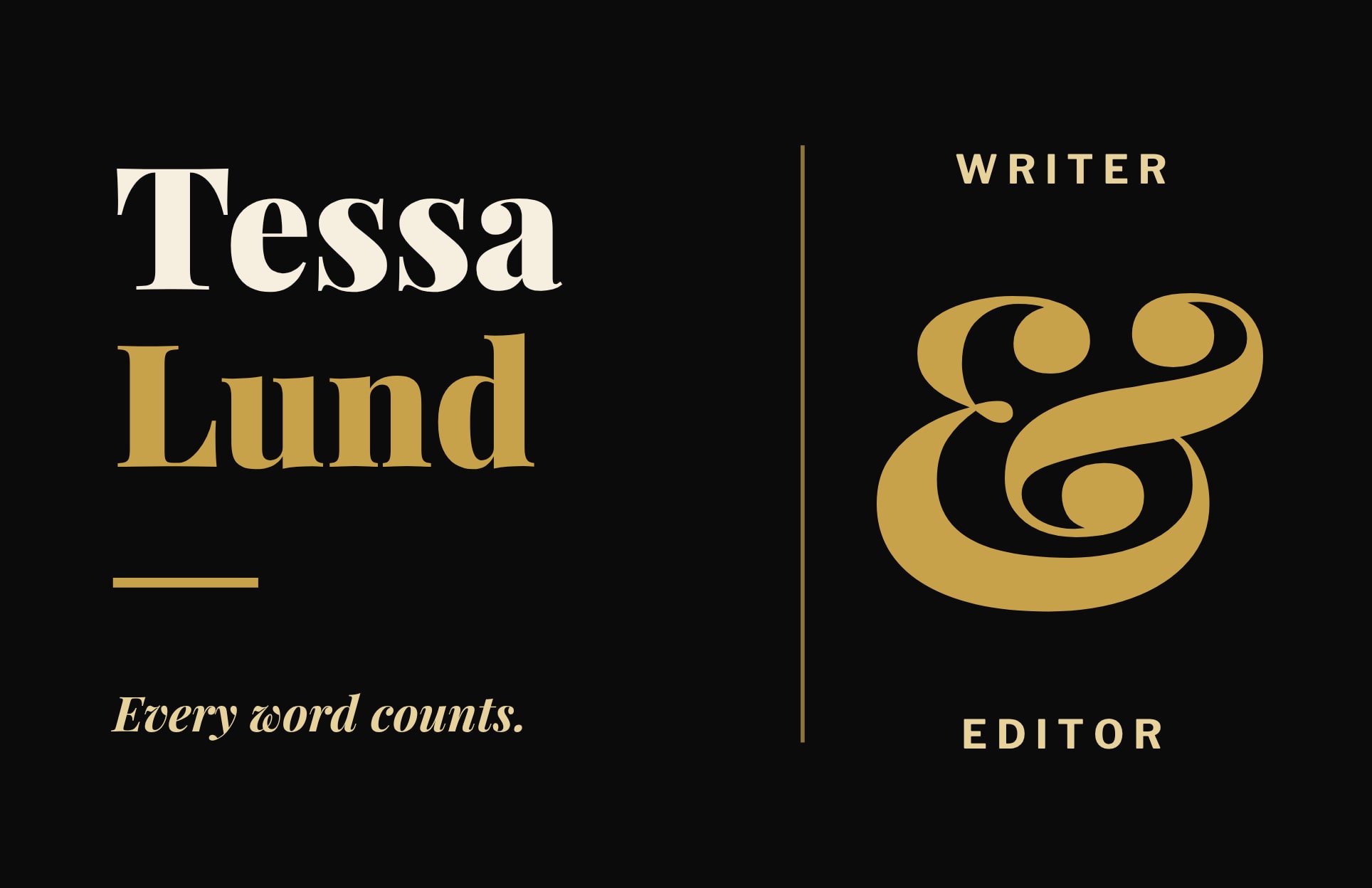 Writer and editor business card with a giant ampersand front
-
 Music teacher business card with a metronome front and pattern back
-
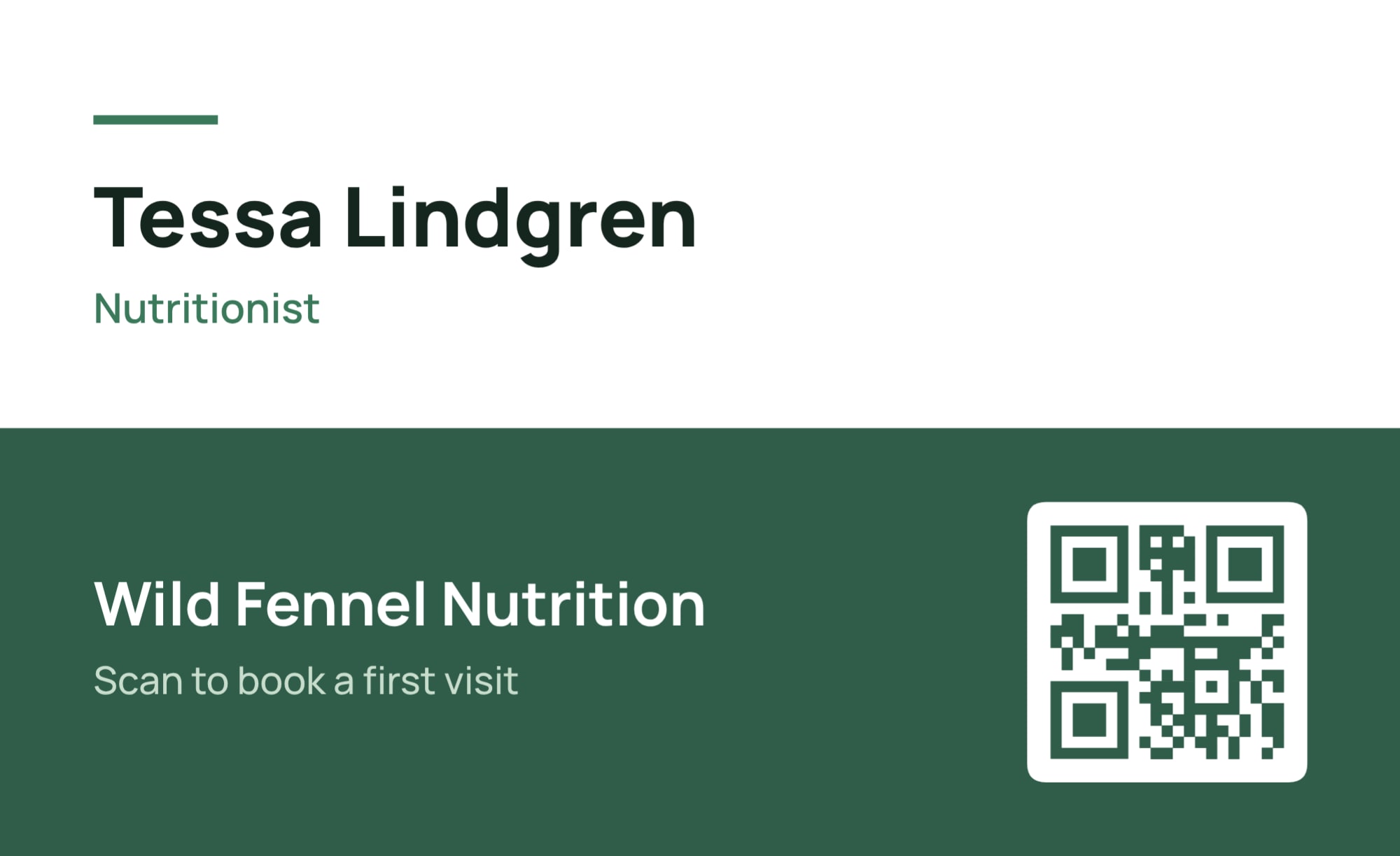 Minimal business card with a QR code, forest green and white
-
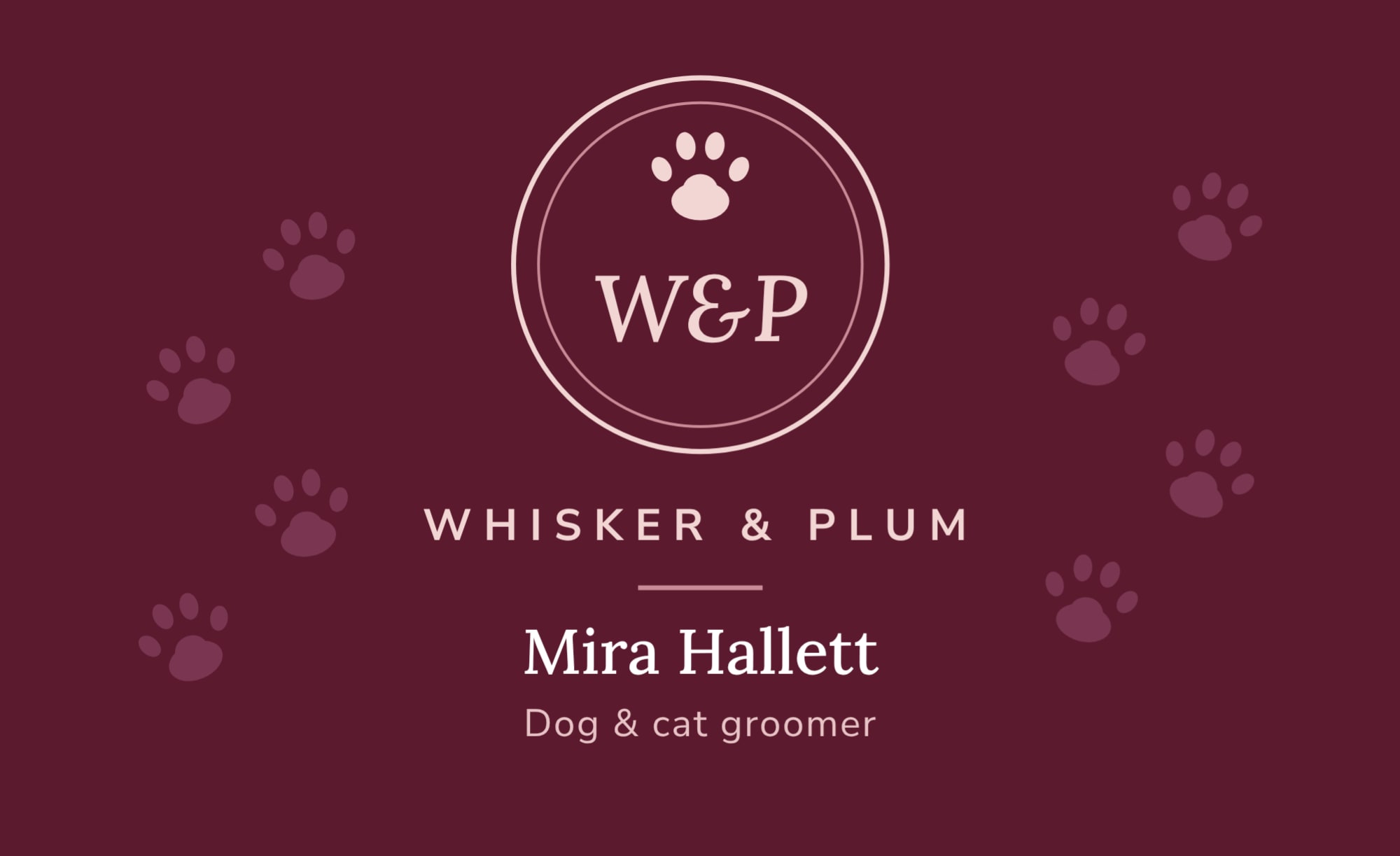 Pet groomer business card with a paw monogram
-
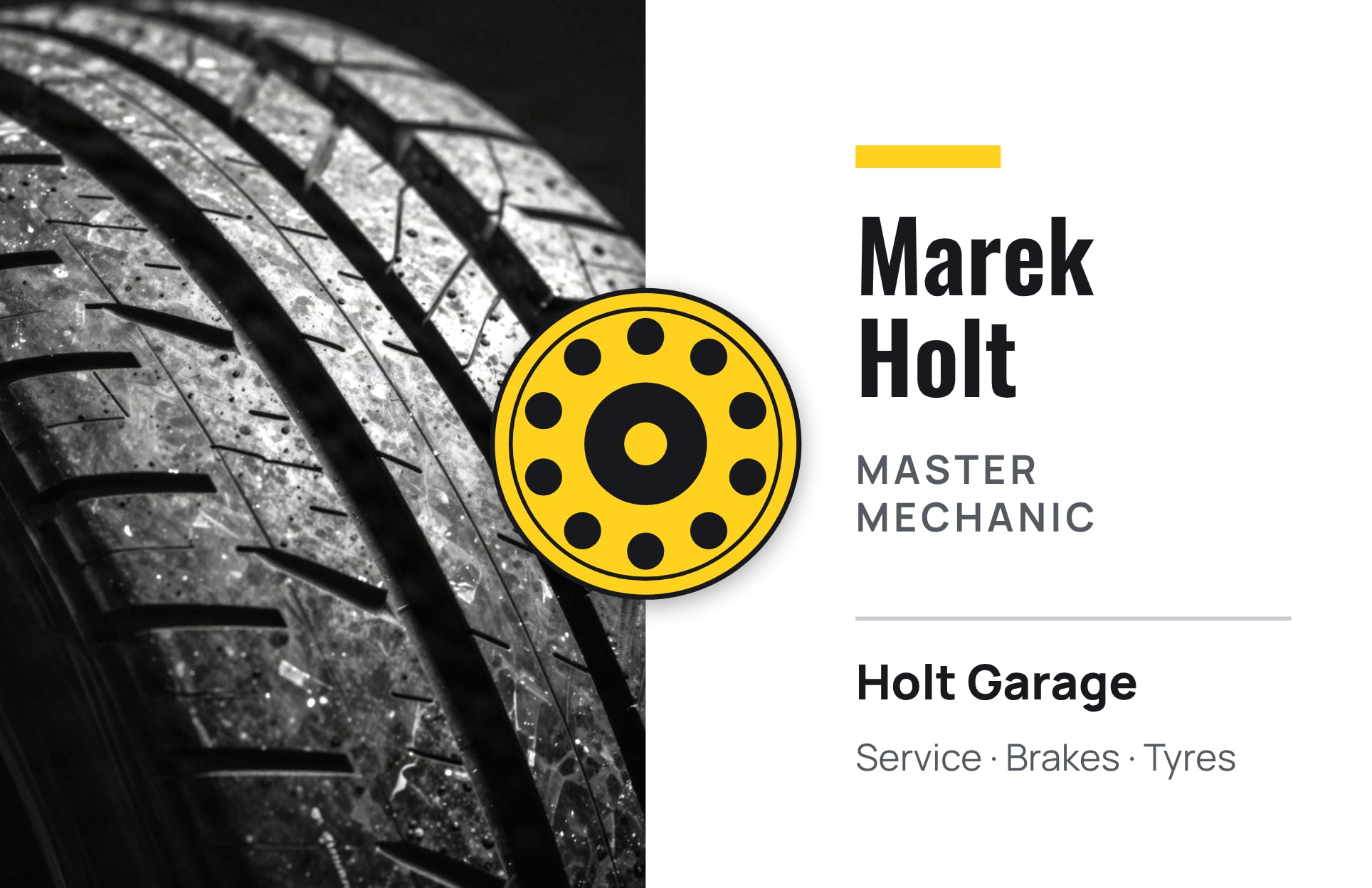 Car mechanic business card with a brake disc and tyre tread
-
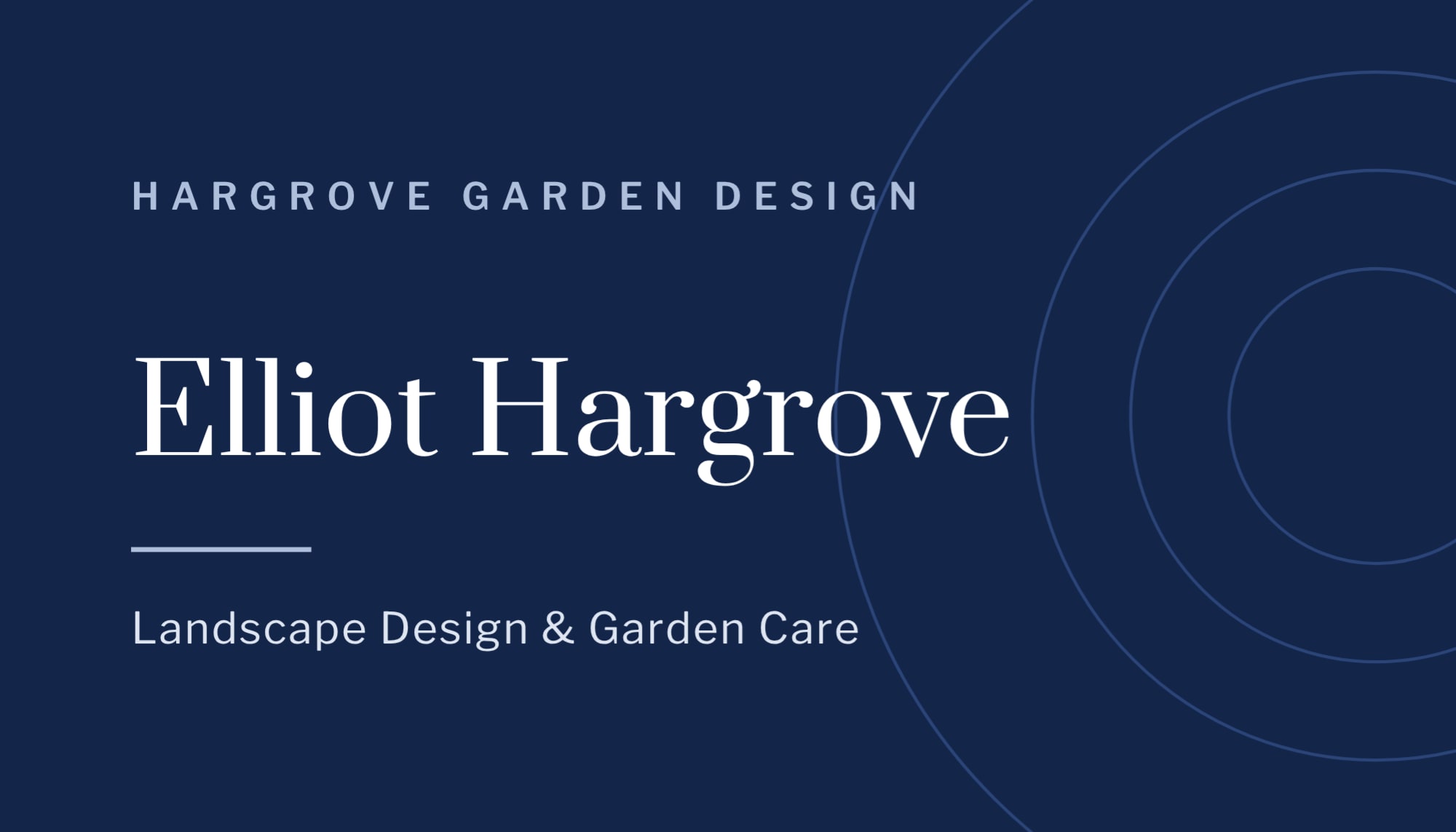 Landscaper and gardener business card with a garden-plan back
-
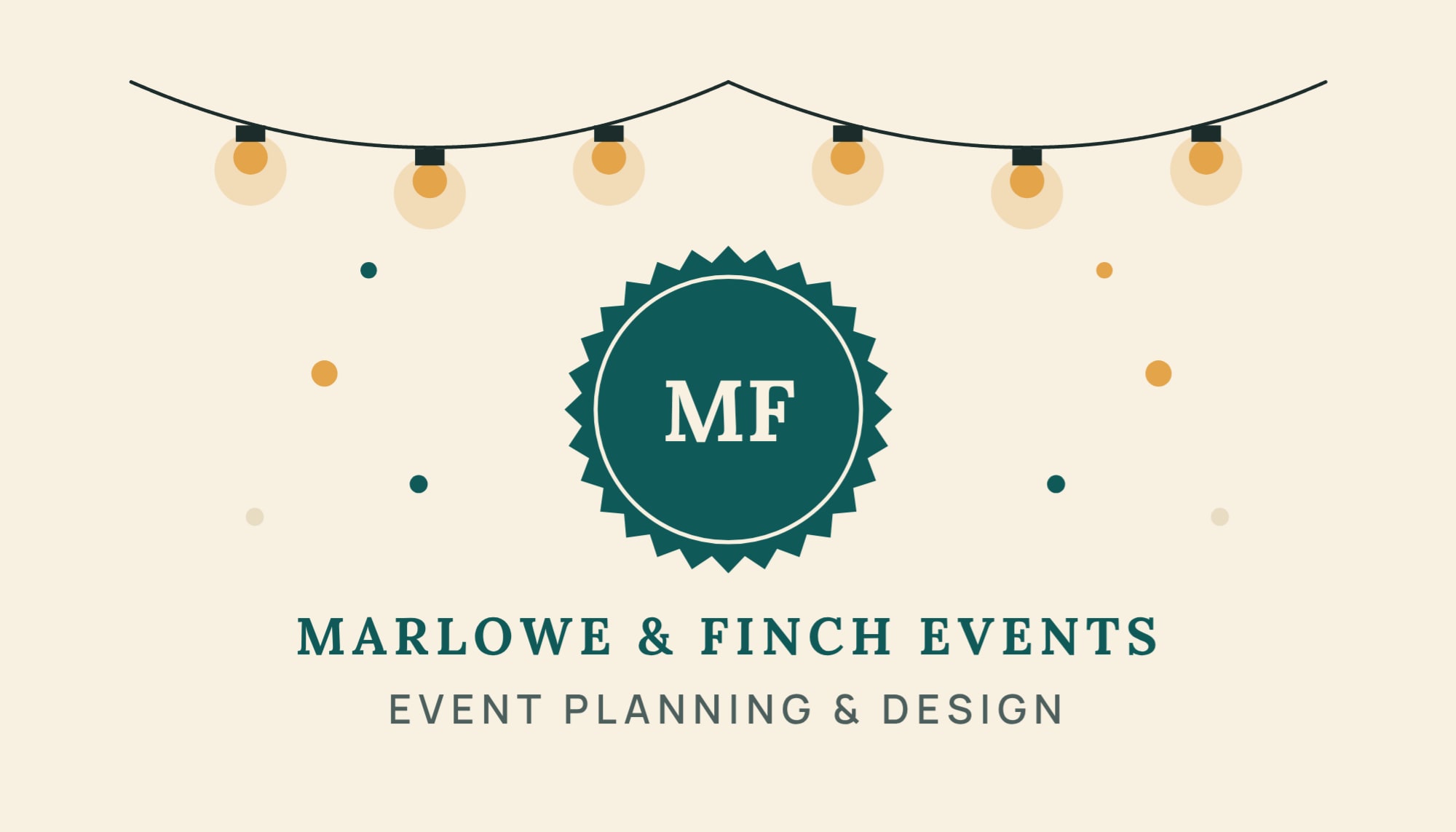 Event planner business card with festoon lights
-
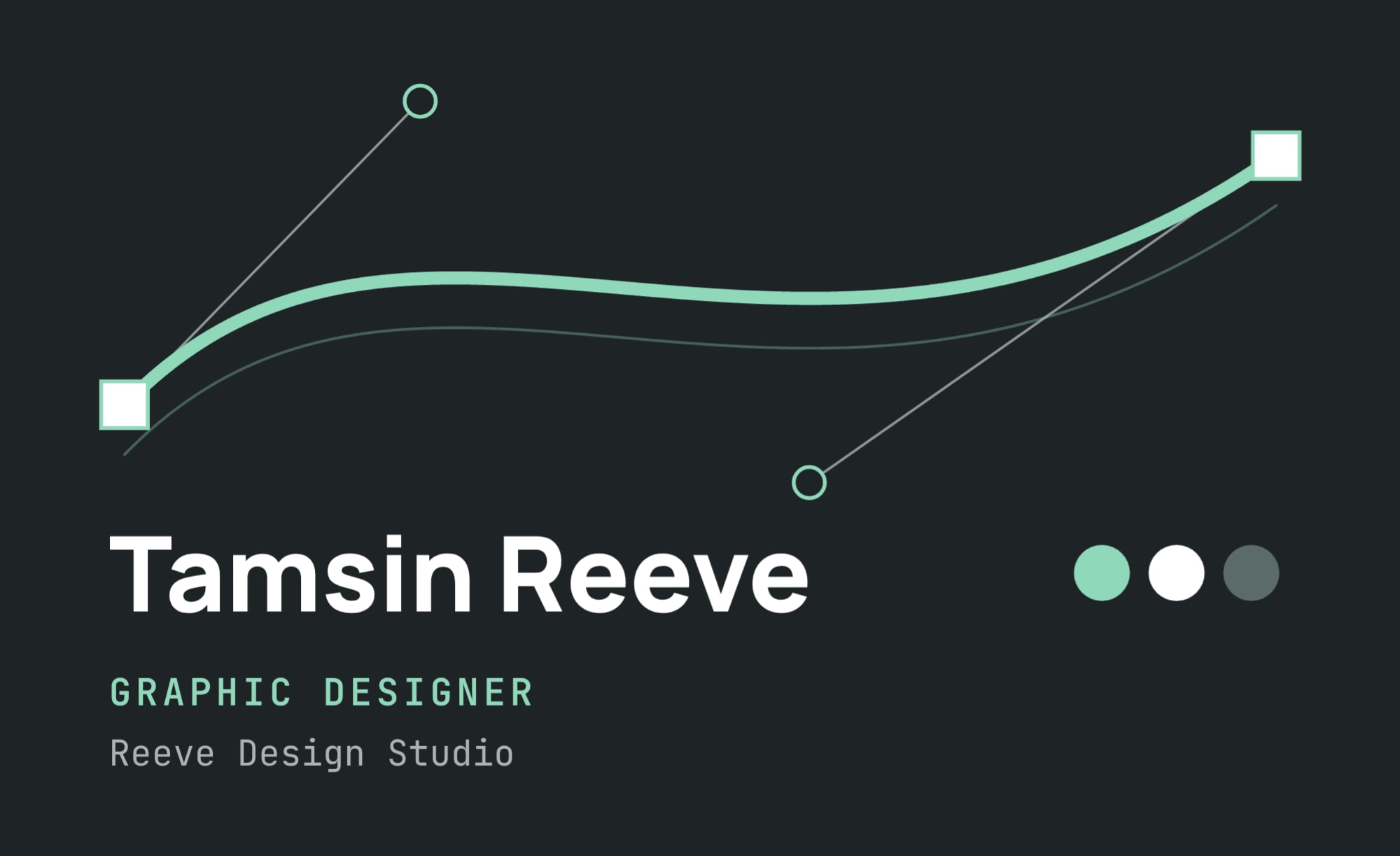 Graphic designer business card with a pen-tool curve
-
 Food truck business card with a weekly route on the back
-
 Massage therapist business card with an overlapping-ring monogram
-
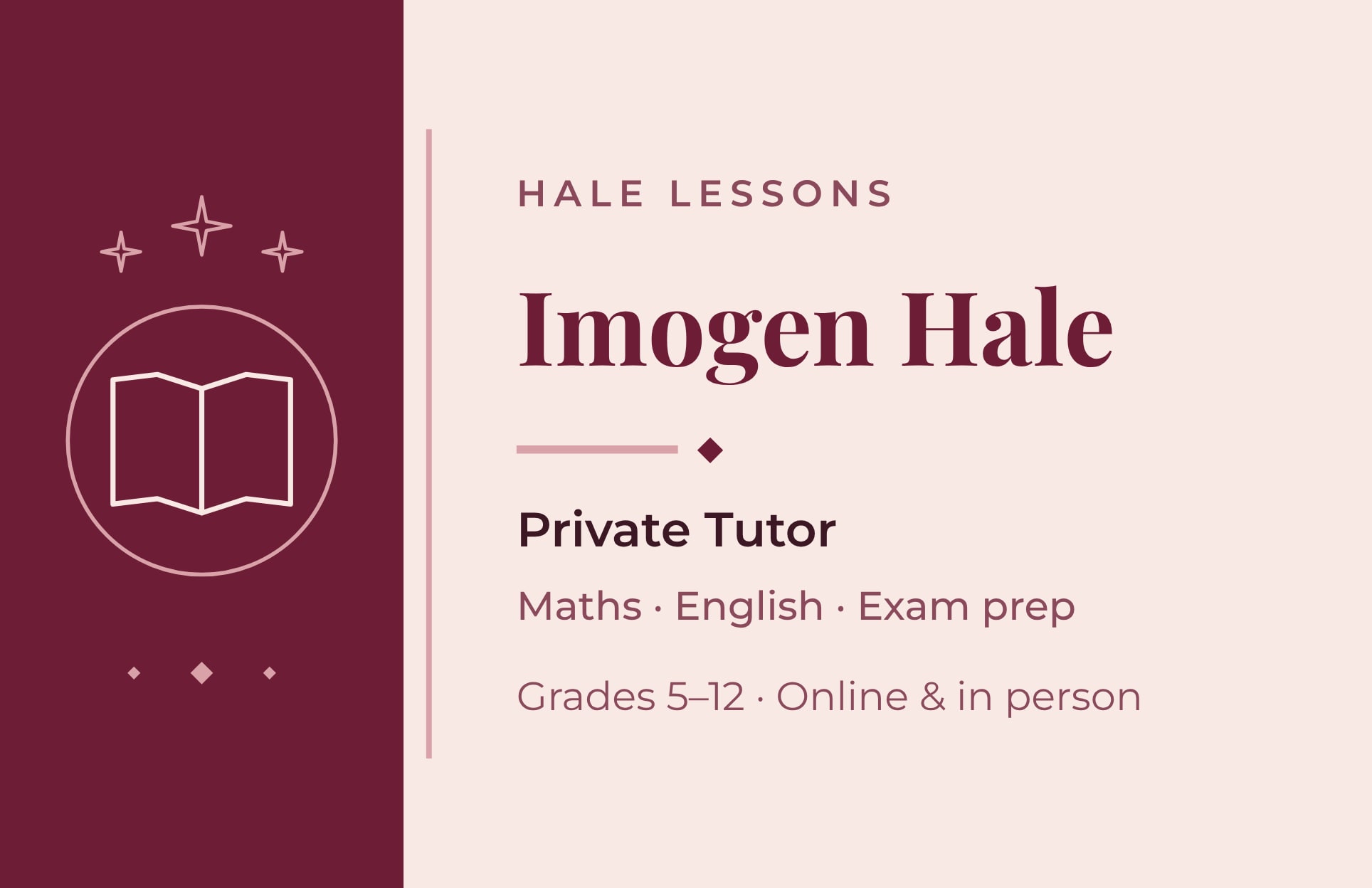 Tutor business card with an open-book crest and a book-and-star back
-
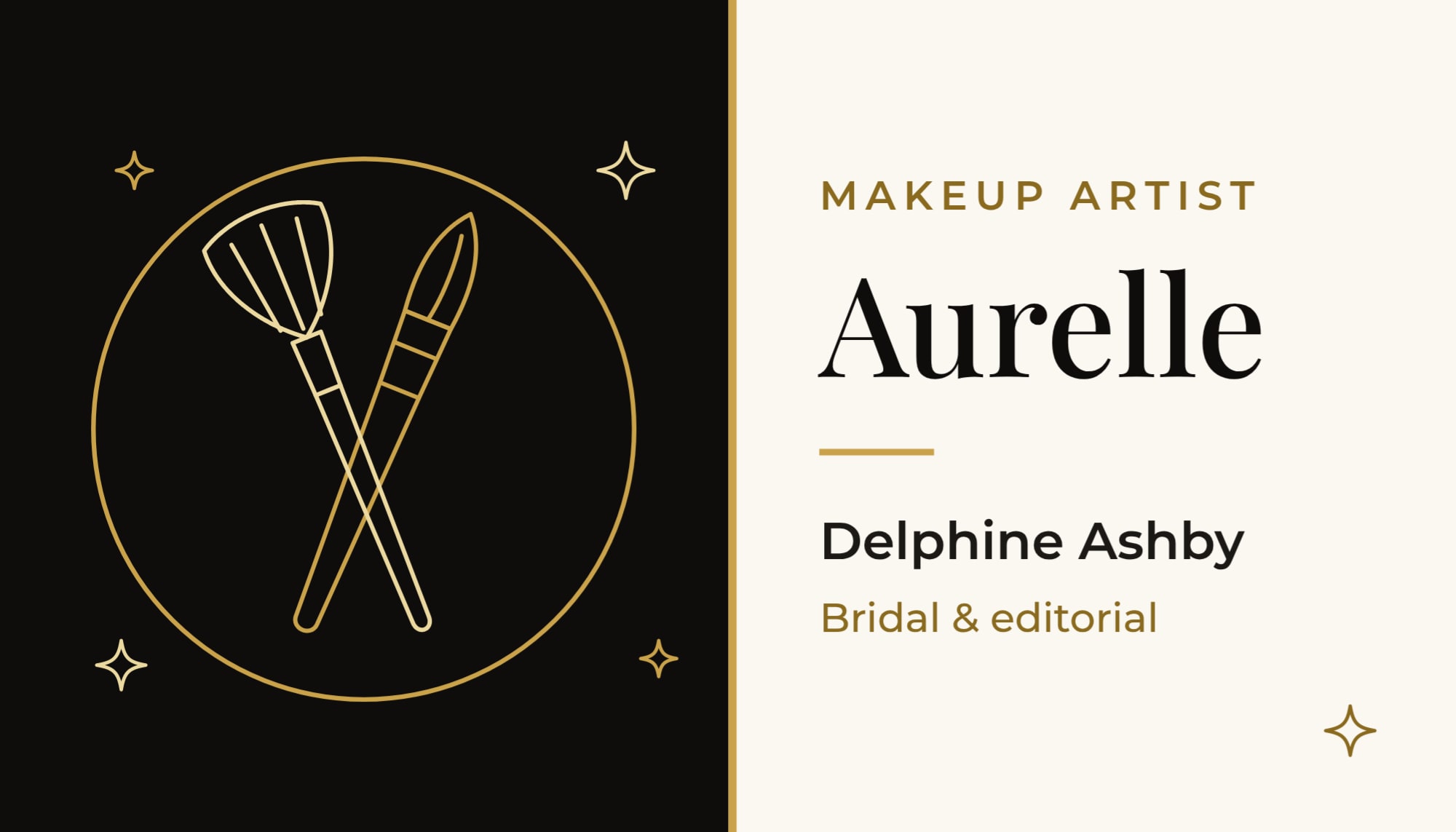 Makeup artist business card with crossed gold brushes
A business card maker that runs in your browser
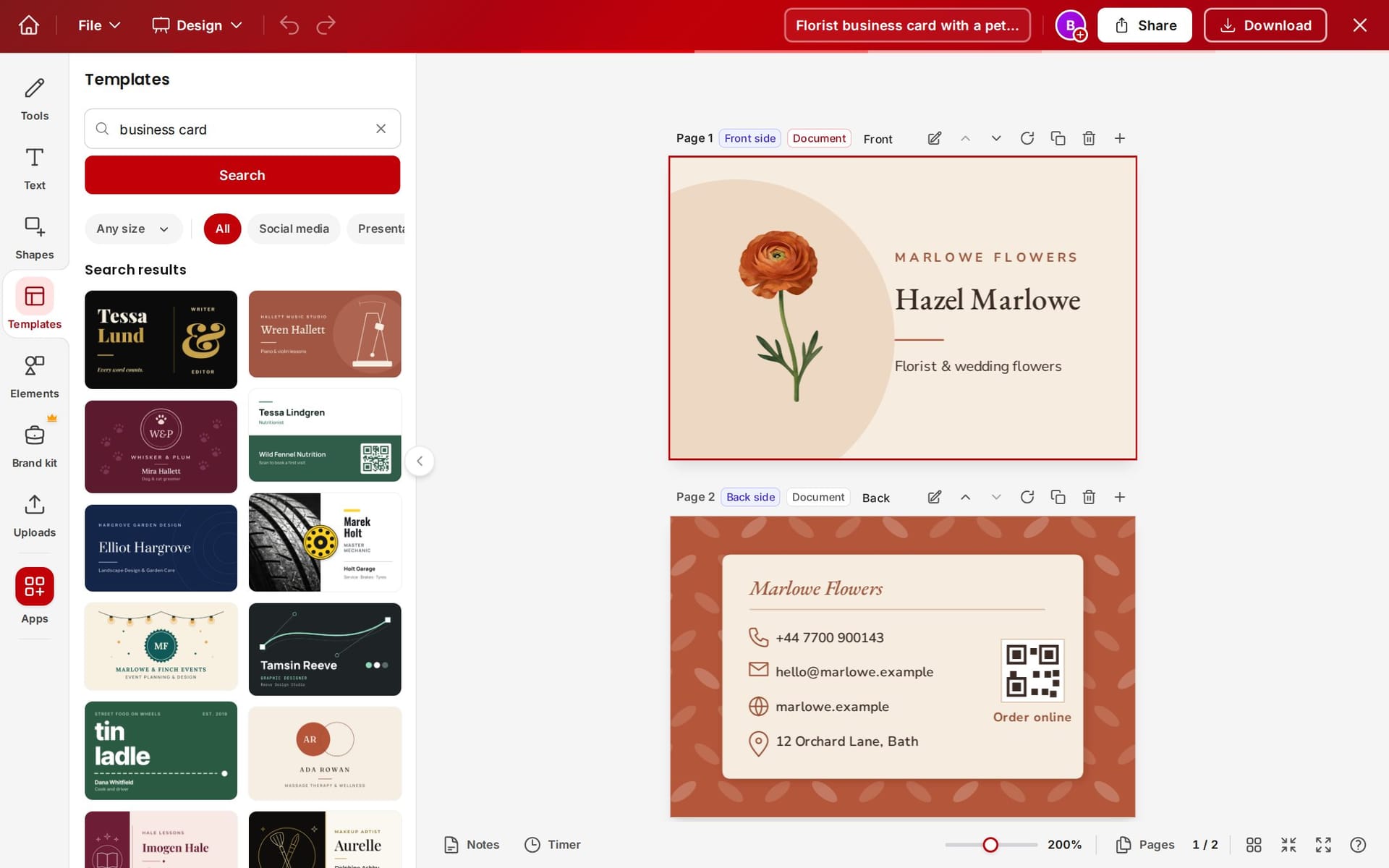
The business card maker opens your template in the editor, with the front and the back side by side. You see both sides of the card as you change it.
- Change the name, job title, and contact details on both sides
- Upload your logo or a photo and place it anywhere on the card
- Add text effects such as an outline, a glow, or neon to your name
Print your business cards or send them as an image
When your business card is ready, download it for a print shop or for your phone. Every business card size has a 4 mm safe area and prints at 300 dpi.
- PDF Print adds bleed, and crop marks if you want them, at no cost.
- PNG and JPG for a digital business card in a message or an email
- The front and the back as 2 pages of one PDF
How to make a business card
-
Pick a template
Choose a business card design. A free template needs only a free account.
-
Sign in
Sign in or create a free account, and the template opens in the editor.
-
Add your details
Change the name, the job title, the phone number, and the email address. Upload your logo and change the colours.
-
Download and print
Download PDF Print for a print shop, with bleed and crop marks, or a PNG or JPG to send as a digital business card.
Everything a business card needs
-
Front and back
Business card templates have a front and a back, so your details and your logo each get their own.
-
Standard card sizes
85 x 55 mm, 3.5 x 2 inches, and 90 x 55 mm, the sizes print shops expect.
-
Ready for a print shop
PDF Print adds bleed, and crop marks if you want them, at no cost.
-
Your logo and photos
Upload your own logo or photo and place it anywhere on the card.
-
Your brand colours
Keep your colour palettes and text styles in a brand kit and use them on every card, with a Starter plan or higher.
-
On a computer or a phone
The editor works in your browser, with a layout made for small screens.
More makers, templates, and apps
- Invitation maker Make an invitation for a birthday, a wedding, or a party.
- Flyer maker Make a flyer for an event, a sale, or a service.
- Business card templates Every business card template in one place, the free ones first.
- Edit PDF Change the words of a business card you already have as a PDF.
- PDF to JPG Turn a business card PDF into an image to share.
- Compress PDF Make a PDF smaller before you email it to a print shop.
Questions about business cards
What size is a business card?
Most business cards in Europe are 85 x 55 mm. In the US and Canada they are 3.5 x 2 inches (88.9 x 50.8 mm). The business card maker has both sizes and 90 x 55 mm, and each template shows its size.
How do I make a business card?
Pick a business card template, sign in, and change the name, details, and colours in the editor. Then download a PDF for printing or an image to send.
Can I make a digital business card?
Yes. Download your business card as a PNG or JPG image and send it in a message or an email.
Can I print my business cards at a print shop?
Yes. Download PDF Print: it adds bleed, and crop marks if you want them, at no cost. Print shops ask for both.
Is the business card maker free?
Yes, with a free account you can use the free business card templates and download them, PDF Print included. Templates for a paid plan name that plan on their card.
How do I design a business card?
Start from a business card template and keep it simple: your name, job title, phone number, email address, and logo. Keep the text inside the safe area, 4 mm from the edge, so nothing is cut off when the card is printed.
What is a visiting card?
A visiting card is another name for a business card, used in India and other countries. It shows your name, your work, and how to reach you. The business card maker makes both from the same templates.