
Product features & online file apps
Everything you need to get your files done
PDF2Go runs in your browser. Convert, edit and compress files, start a design from a template, and keep everything in one workspace.
Online apps for every file type
Each app does one job well: pick one, add your file, and download the result. Most apps work without an account.
Design online with ready-made templates
Start from a template, then make it yours in the editor: change the words, the pictures and the colours.
-
 2027 wall calendar A4, Blush Garland
-
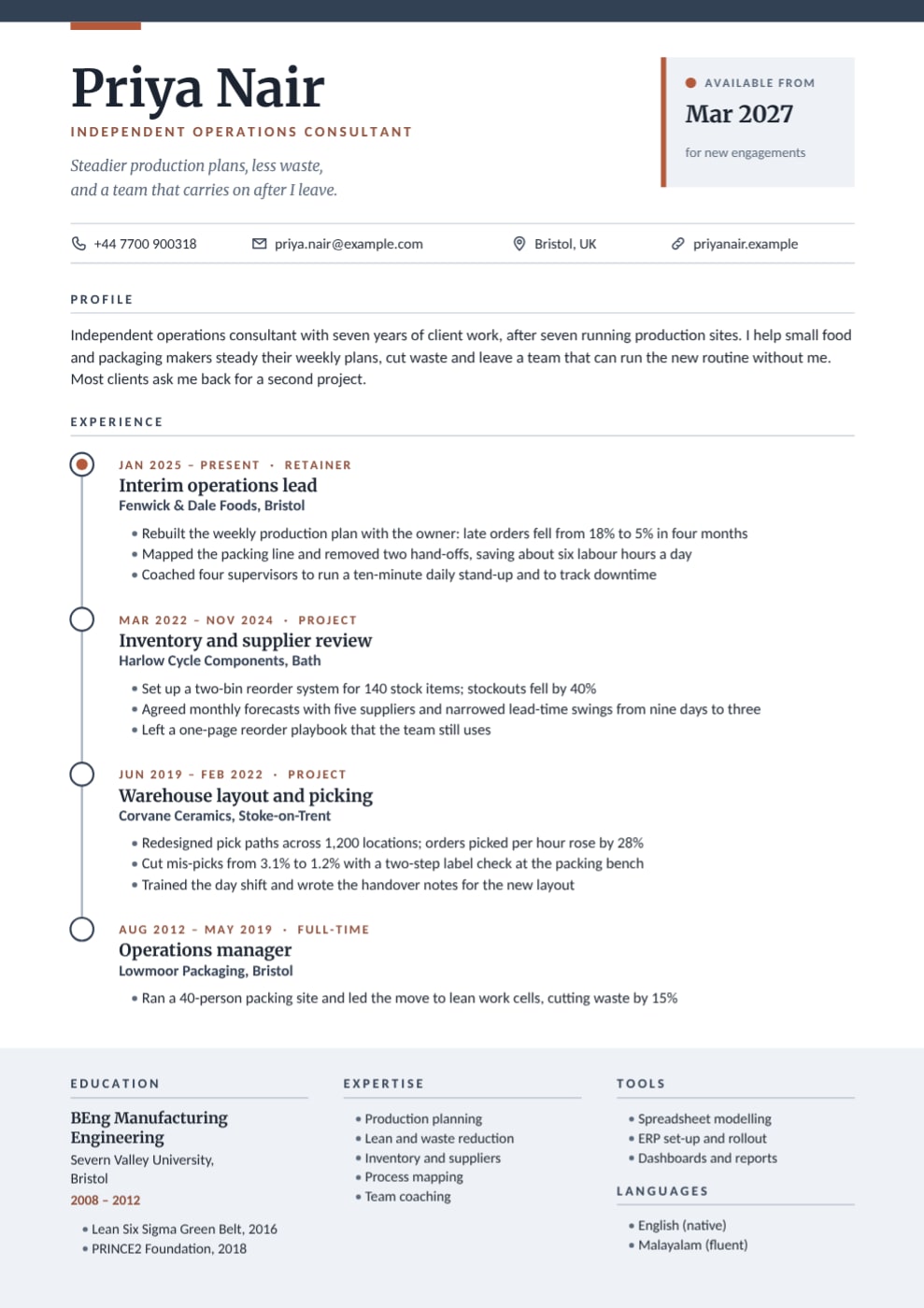 Freelance consultant resume, simple slate timeline
-
 Wedding invitation with pampas grass and dried flowers
-
 Flea market flyer with a stall table photo, forest green and cream
-
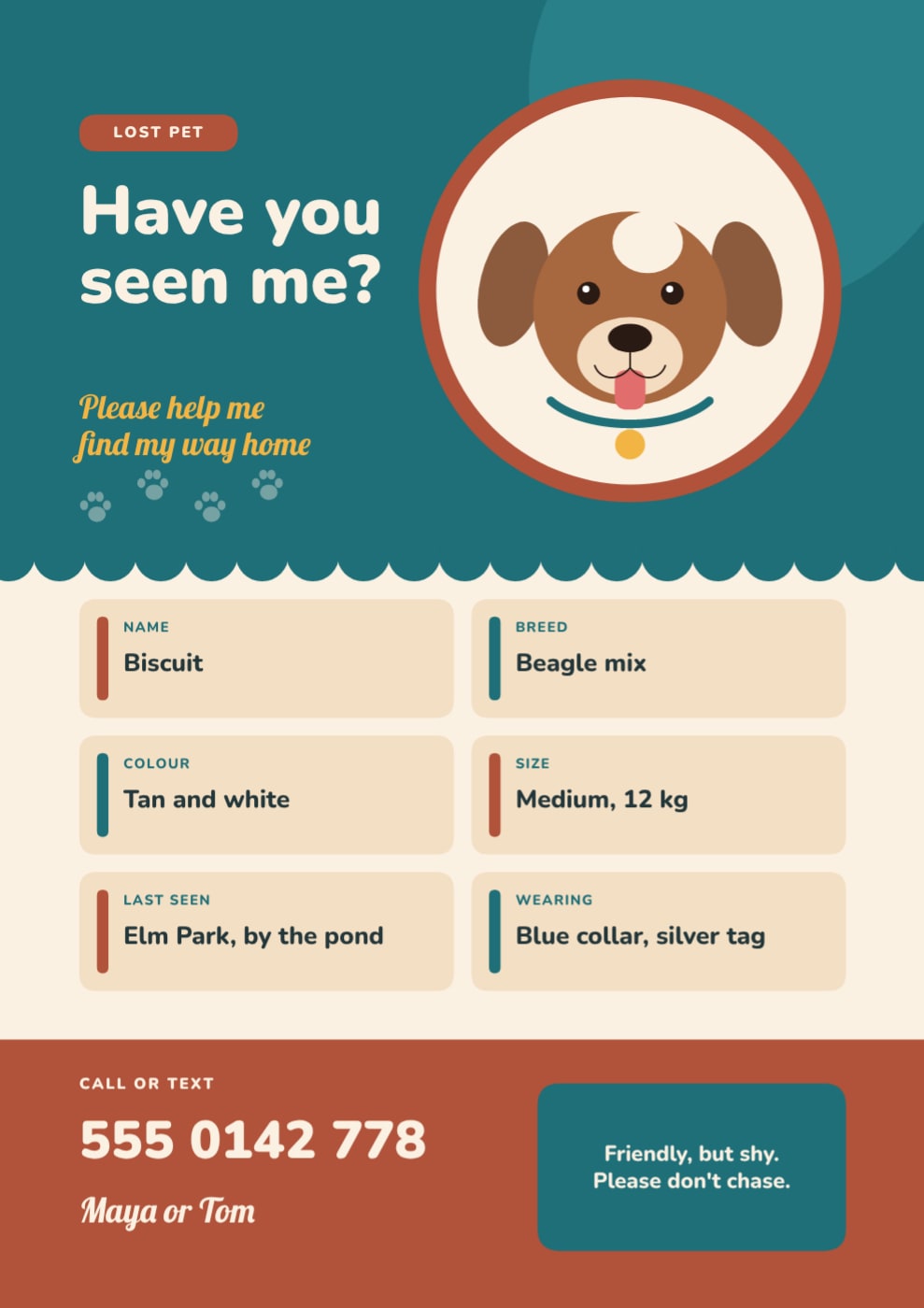 Lost pet poster with pet ID grid, terracotta and teal
-
 Writer and editor business card with a giant ampersand front
-
 2027 wall calendar A4, One Line a Month
-
 Caregiver and healthcare assistant resume, simple one-page in burgundy
-
 Tropical brunch birthday invitation with palm leaves, terracotta and ivory
-
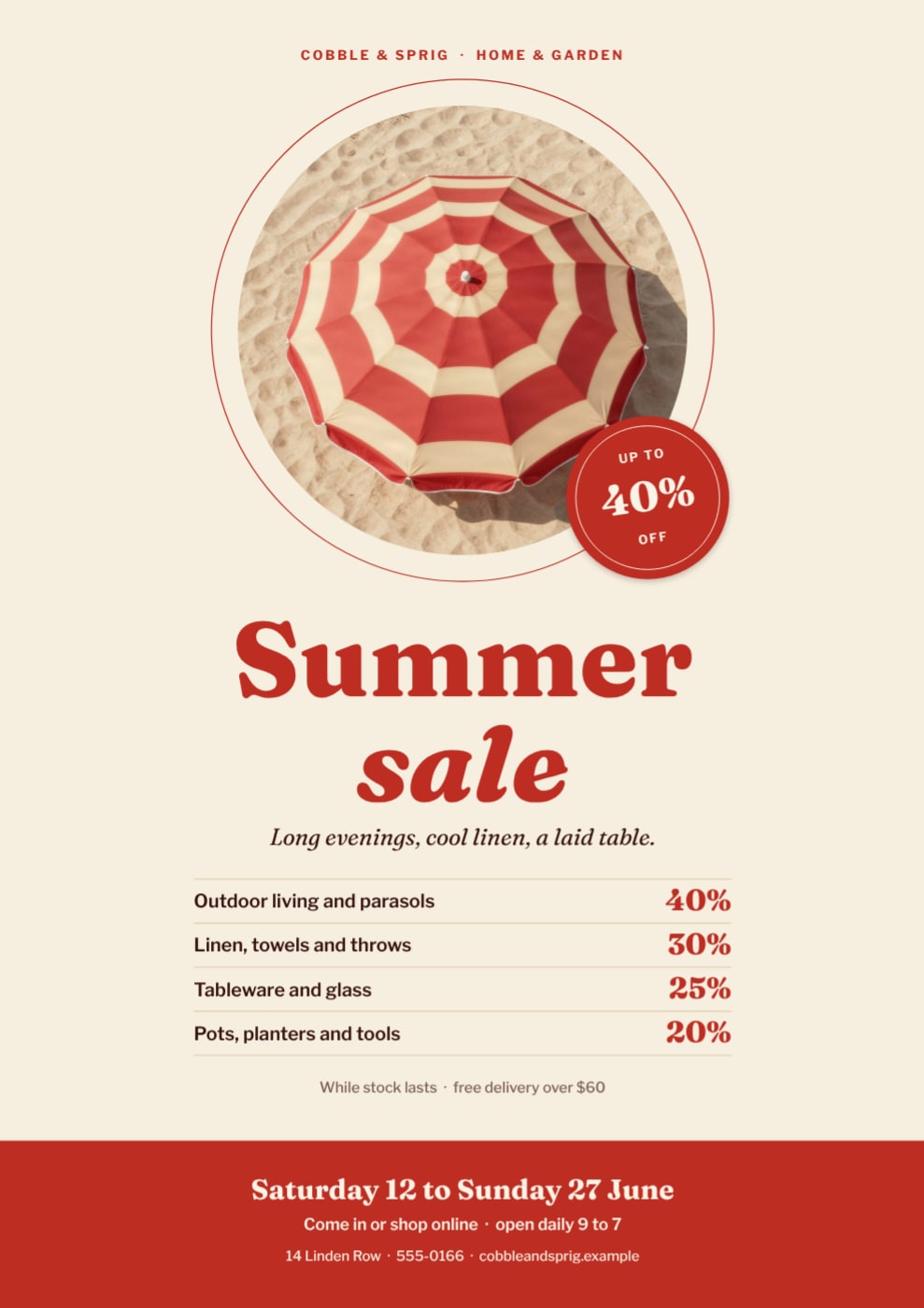 Summer sale flyer with a striped parasol photo, red and cream
-
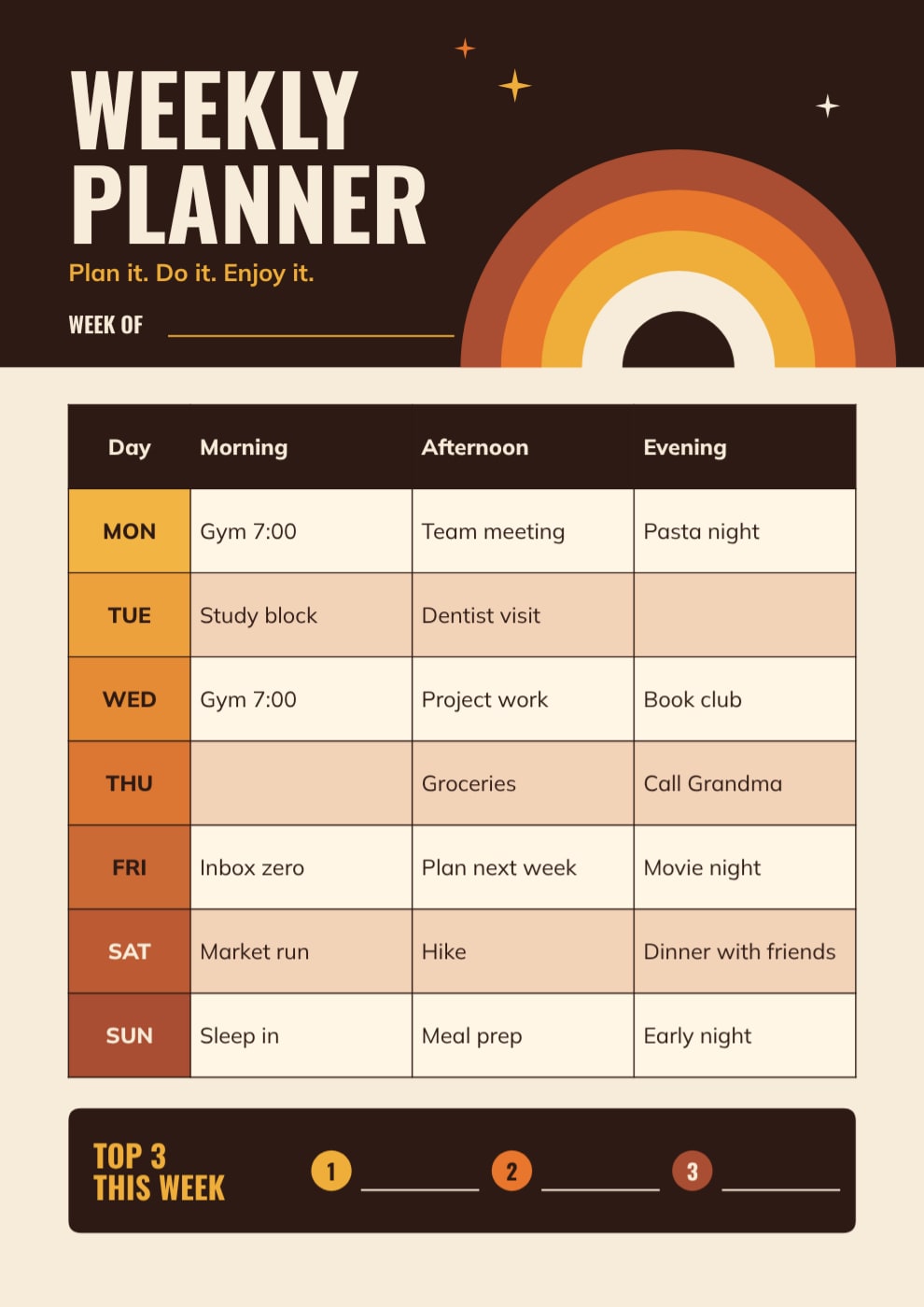 Weekly planner schedule poster, retro rainbow arches with a day-by-day grid
-
 Music teacher business card with a metronome front and pattern back
One online workspace for all your projects
The workspace brings the apps, the editor and your projects together.
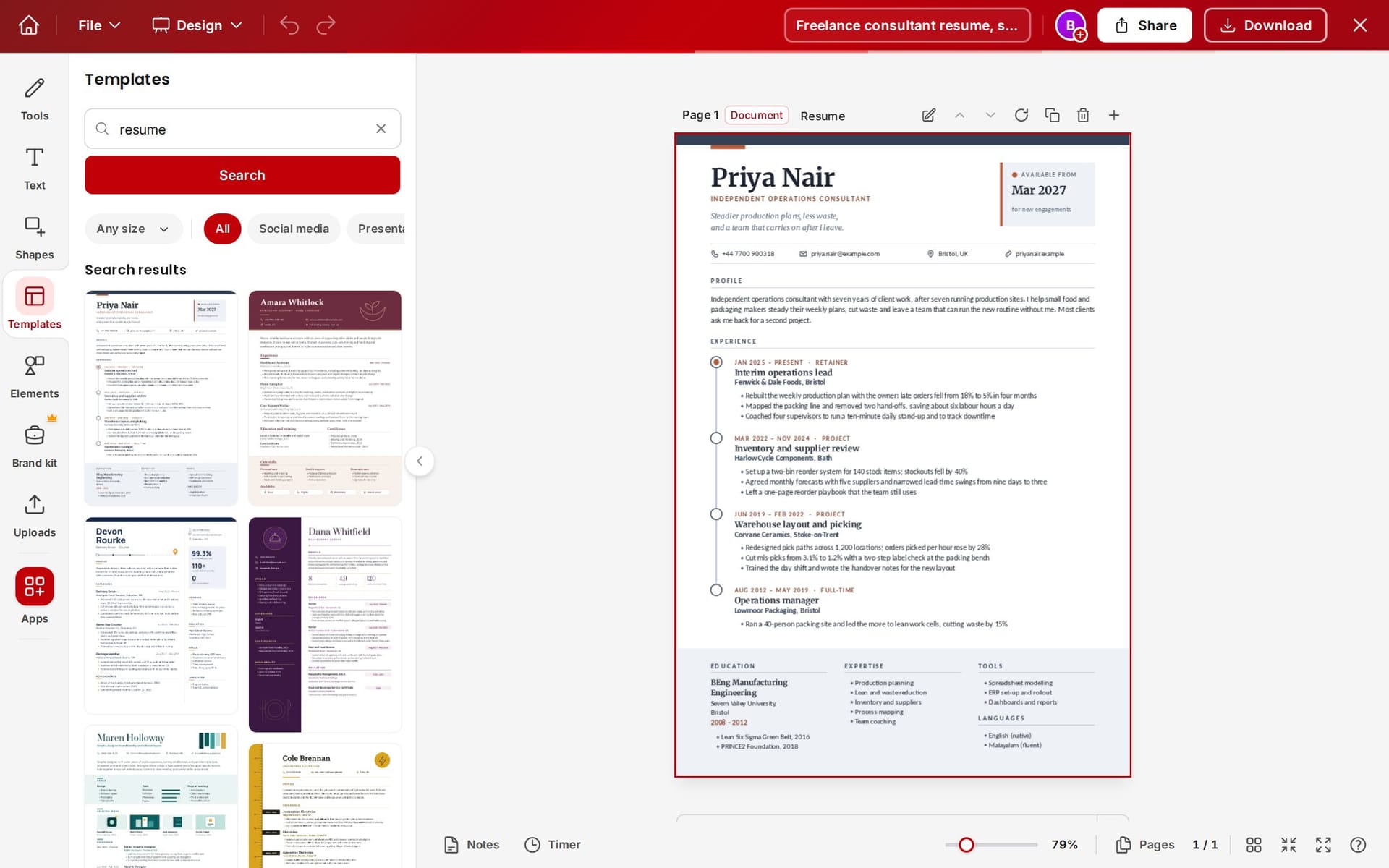
-
Every app in one place
Open any app from the workspace and pick up where you left off.
-
A full editor in your browser
Change text, pictures and pages on a computer, tablet or phone, with nothing to install.
-
From one app to the next
Send a result to another app straight away, without downloading it first.
-
Your designs, kept
When you are signed in, your designs stay in your projects, ready when you come back.
Keep your files safe online
Your files are encrypted in transit and processed automatically. Learn how they are protected and what you can do yourself.
Plans for every workflow
Start for free. When you need more, a plan unlocks premium apps, larger files and more AI.