在线 PDF 转换器
免费,随时随地
轻松转换为 PDF
After uploading your file to PDF2Go via drag & drop, Dropbox, Google Drive or from your computer, you can choose the conversion method.
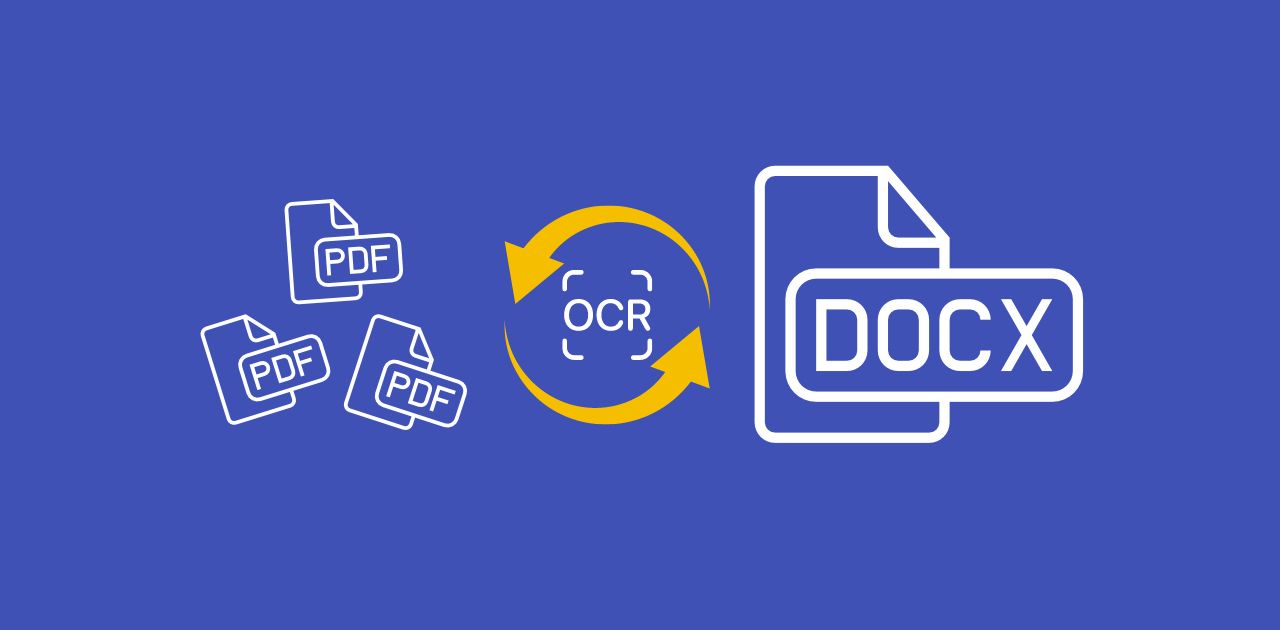
If you want to convert to PDF, you can use OCR. If you have a scanned page or image, OCR can extract text from your file and add it to the new PDF document. That way, you can easily convert an image to text.
然后点击"保存更改",剩下的交给我们。
使用在线转换器
If you use a free converter to turn your files into PDF documents, you should always make sure that your computer or mobile device is safe. With an online converter, you do not need to download or install any suspicious programs.
转换为 PDF 时,无需再担心恶意软件、病毒或存储空间。在 PDF2Go,您只会下载编辑后的文件,不会下载其他任何内容。
为何将文件转换为 PDF
PDF 是一种广泛使用的文档格式。其主要特性是打印优化和固定版式,使 PDF 在任何设备上的显示效果都保持一致。
For many users, this is enough reason to use a free PDF converter to convert Word to PDF. With OCR, you can also extract text from images, for example when you convert JPEG to PDF. Simply enable the "Use OCR" option in this case.
100% 安全的转换
If you have security concerns, PDF2Go's PDF converter handles your files 100% securely.
我们不会获取您文件的任何权利,也不会进行人工检查。经过一段时间后,您的文件会从我们的服务器中删除。
更多信息请查看我们的隐私政策。
可转换为 PDF 的文件类型
DOC、DOCX、ODT、RTF、TXT 等
电子书:AZW、EPUB、MOBI 等
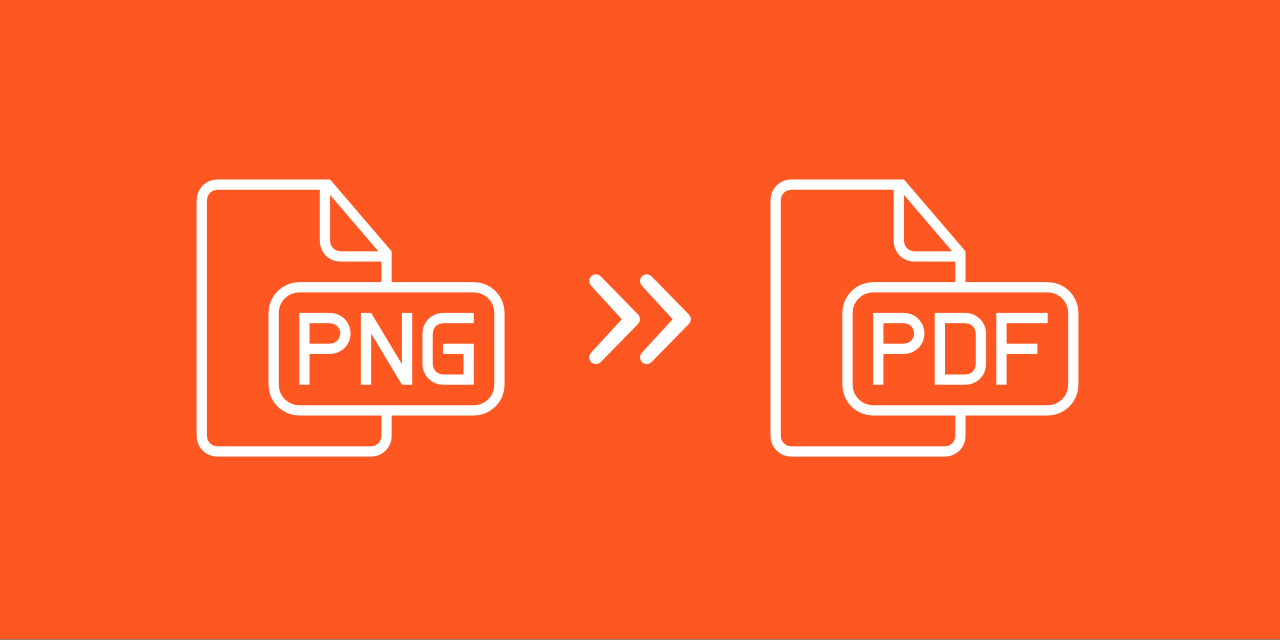
图片:GIF、JPG、PNG、SVG、TIFF 等
演示文稿:ODP、PPT、PPTX
表格:CSV、ODS、XLS、XLSX
在线转换为 PDF
PDF2Go 名副其实:这个在线 PDF 转换器可在任意设备上通过浏览器使用,无需安装任何额外软件。
此外,PDF2Go 提供免费的 PDF 转换器,您无需支付任何费用。